Your website copy checklist before launch
Before your site goes live, read every word once more with a checklist. Here is a complete one, from the big message down to the last comma.
Before your site goes live, read every word once more with a checklist. This lesson gives you a complete one, in ten groups, from the big message down to the last comma. Copy it, print it and tick off each line. It catches what a quick read always misses.
How to use this checklist
A good check is a separate job from writing. These habits make it work.
- Wait before you check. Read the texts the day after you finish them, when your eyes are fresh.
- Read the real page, in the preview or the mockup, not the document. Words look different in their place.
- Check on a phone and on a computer. Many problems show up only on one of them.
- Go from big to small. Check the message first and the typos last. There is no point in fixing a comma in a paragraph you will delete.
- Ask one or two other people to read it, ideally someone who does not know your business.
- Keep one list of changes. You will send it all at once, which is faster for everyone.
Group 1: the message
- Within five seconds, does the home page say what you do, for whom and where?
- Does each page have one job and one main action?
- Do the headline and the line under it say the same thing as your Google Business Profile and your social profiles?
- Does every service have its own clear name, used the same way everywhere?
- Is it clear who each page is for?
- Is there any sentence that could belong to any competitor? Rewrite it with a fact.
Group 2: the facts
Wrong facts cost you customers, and they are easy to miss because you know the right ones by heart. Check every one against its source.
- Business name, spelled and capitalized the same way everywhere.
- Phone number, email address and street address, on every page that shows them.
- Hours, including holidays and seasonal changes.
- Service area: the towns and neighborhoods you actually cover.
- License numbers, insurance and certifications, written exactly.
- Years in business, numbers of customers or jobs, and any other figure. Can you prove each one?
- Prices, offers, dates and terms. Are they current?
- Names and titles of people, spelled the way they spell them.
- Links to your social profiles. Do they go to the right accounts?
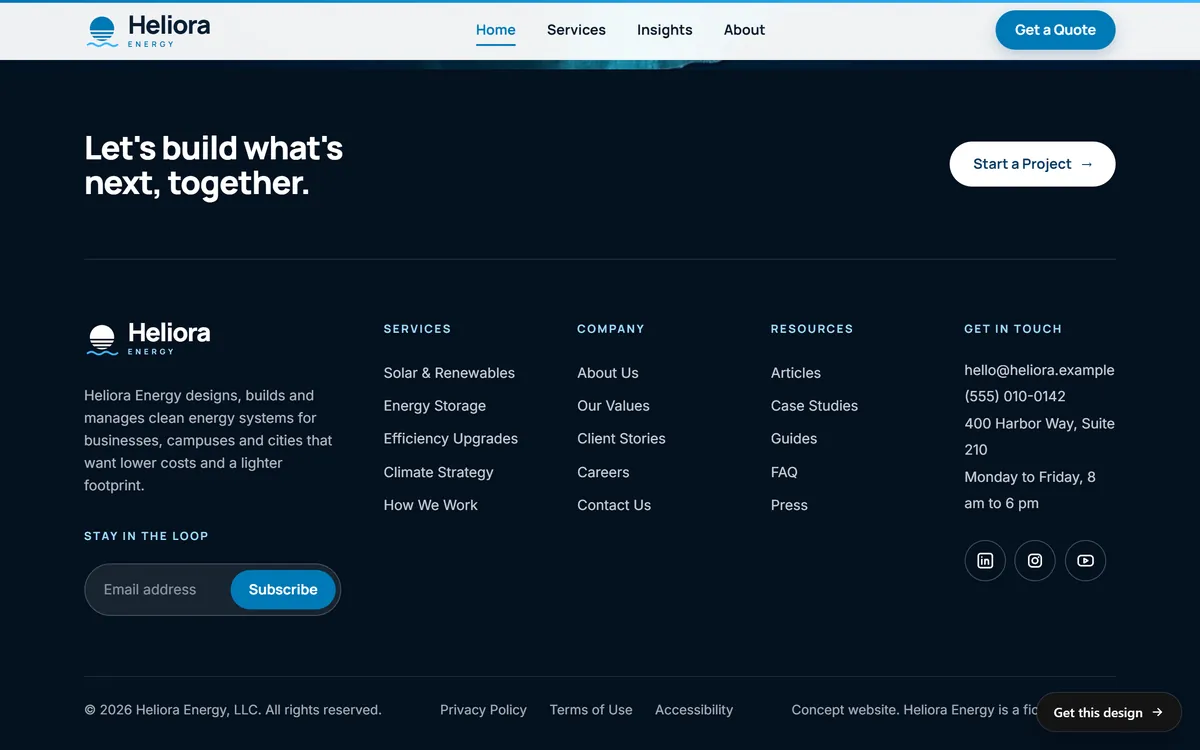
The footer is the best place to look for mismatches, because it repeats the key facts on every page. Heliora Energy, a concept site, packs a lot into its footer: a short description, the email and phone, the address and the opening hours, and below them the links to the Privacy Policy, the Terms of Use and Accessibility. Compare yours with your other listings, letter by letter.
Group 3: the words
- Run the spelling and grammar checker, and then read the page out loud. The checker misses the wrong word that is spelled correctly, such as "form" instead of "from".
- Search for placeholder text: "lorem ipsum", "TBD", "XXX", "insert", "[" and "]".
- Search for the weak words from the lesson on words to avoid: best, solutions, innovative, passionate and the rest of that list.
- Check names of customers, towns and products against the real spelling.
- Look for the same word repeated three times in a sentence, and for sentences that run longer than three lines.
- Check numbers: dates, times, percentages and measurements.
- Check that abbreviations are written in full the first time.
Group 4: buttons, links and forms
- Every button says what happens when you press it. No "Submit", no "Click here".
- Every link goes to the right page. Click each one.
- Every phone number can be tapped to call on a phone, and every email address opens a new message.
- Every form works. Fill it in yourself with test details, send it and see what happens.
- The message shown after sending says what happens next.
- The message really arrives. Check the inbox of the person who should receive it, and the spam folder.
- The form asks only for what you need to answer.
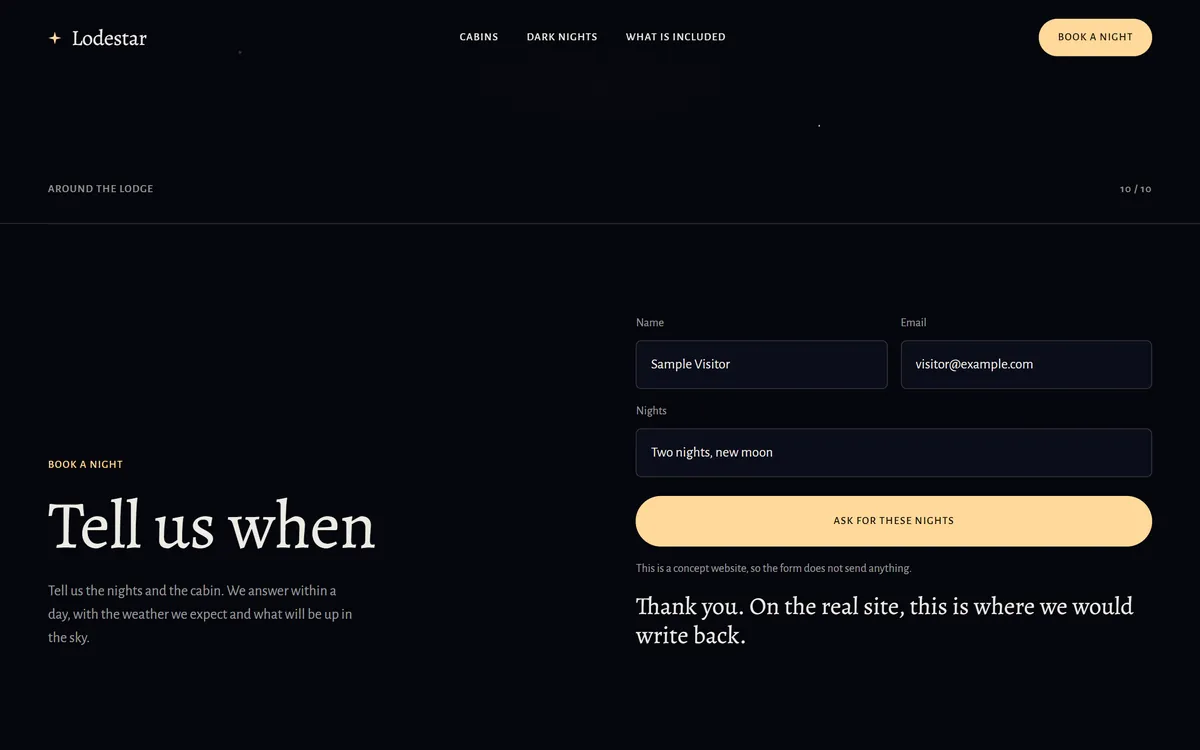
Testing a form is the step people skip most, and it is the one that hurts most when it fails. Lodestar, a concept site, shows a form with a name, an email and the nights wanted, and a button that says "Ask for these nights". After a test submission with sample details, the page shows a line that thanks the visitor. On a real site, that line should also say who will answer and when, and you should confirm that the message reaches the right inbox.
Group 5: claims, proof and reviews
- Can you prove every claim on the site? Keep the proof in a file.
- Are words like "free", "guaranteed", "sale" and "Made in USA" used the way the rules say? The lesson on words to avoid lists the points to check.
- Do guarantees show their terms and limits, next to the promise?
- Are testimonials from real customers, with their permission? The lesson on reviews explains the FTC rules on fake reviews.
- If a family member, a friend or an employee is quoted, is the relationship disclosed clearly?
- Are prices and special offers current, and are the conditions written next to them?
Group 6: headings and page structure
- Each page has one main headline, and it matches what the page is about.
- Smaller headings follow in order and tell the story when read alone.
- Each page has its own title and description for search results. A later series covers how to write them.
- Every image that carries meaning has a short description for people who cannot see it, and decorative images do not need one.
- Menu names are plain words that visitors would search for.
- The address of each page is short and readable.
Group 7: the phone
- The headline fits on the first screen without covering the button.
- Paragraphs are short, and no block of text fills the whole screen.
- Buttons are large enough to tap with a thumb, and nothing sits too close to anything else.
- The phone number is at the top of the page and one tap dials it.
- Text in images is readable, or better, there is no text in images.
- The menu opens and its words are clear.
Group 8: legal and trust pages
These pages are not glamorous, and they protect you. This section is general information, not legal advice, so ask a lawyer what applies to your business and your state.
- A privacy policy, if your site collects names, emails or phone numbers. Several states have laws about this. California, for example, requires commercial websites that collect personal information from its residents to post a privacy policy. Write it to match what you really do, and do not copy one from another site, because it may describe things you do not do.
- Terms and policies if you sell online: refunds, shipping and cancellations, written in plain words.
- Licenses where your trade or state asks you to show them.
- A way to reach a person, in the footer: email, phone and address.
Group 9: the next step
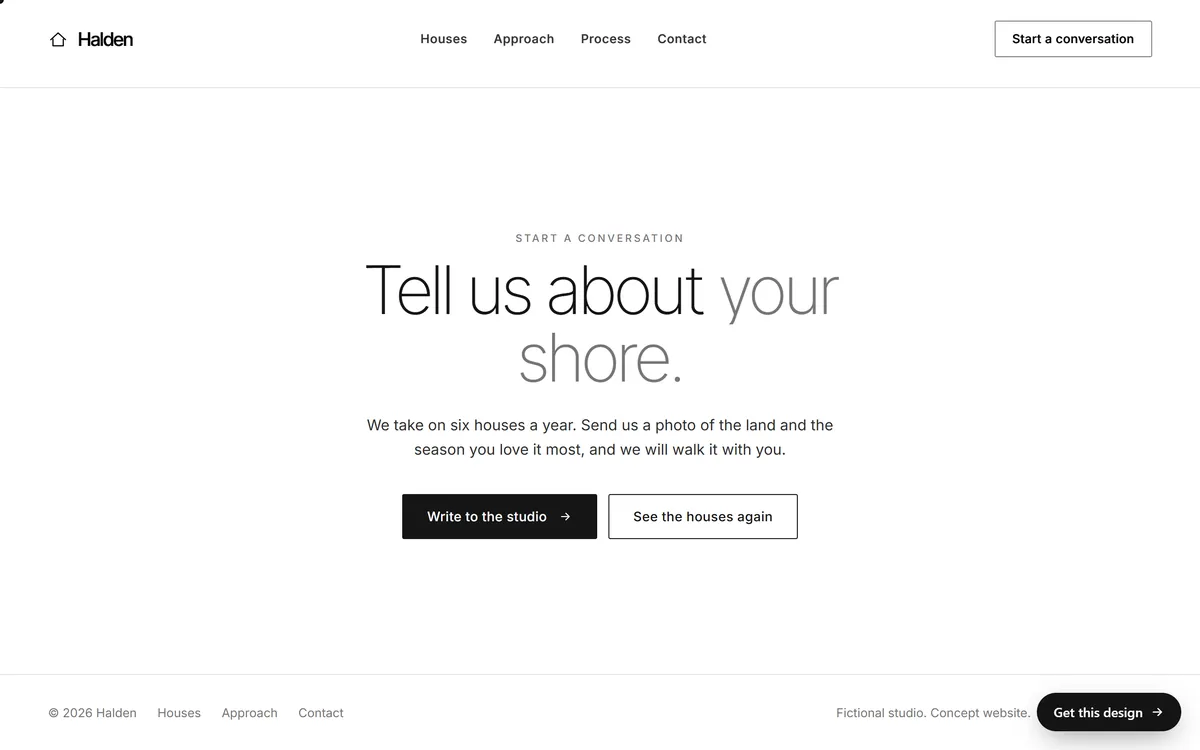
Every page should end with something to do. Heliora's footer opens with a closing line and a "Start a Project" button. Halden, an architecture concept site, ends with a full section: "Tell us about your shore." One sentence tells the visitor what to send, which is a photo of the land and the season they love it most, and two buttons say what they can do. The visitor knows exactly what to do and what they will get.
- Does each page end with one clear next step?
- Does the contact page say what happens after someone writes, and when?
- Can a visitor reach you in the way they prefer: phone, email, form?
Group 10: the stranger test
Sit a person who does not know your business in front of the page and give them three tasks, without any help. Watch where they hesitate.
- "Tell me what this business does." They have five seconds.
- "Find the phone number."
- "Find out how it works, or what it costs."
Where they hesitate is where your words need work. Fix those spots first.
A quick check for each type of page
When you are short on time, use these one-line tests before the full list.
- Home page: a stranger can say what you do, for whom and where, after five seconds.
- About page: real names, real photos and facts you can prove.
- Service page: what is included, how it works, how the price is set and one button.
- Offer or prices page: terms next to the button, and nothing in the fine print that the headline denies.
- FAQ: each answer starts with the answer, and nothing is out of date.
- Contact page: phone, email, address, hours and what happens after someone writes.
After the launch: the first thirty days
- On the first day, read the live site on a phone and on a computer, and send yourself a test message through every form.
- Ask your first customers what they could not find, and what they did not understand.
- Fix typos and small errors as soon as you find them.
- Check that your Google Business Profile and your social profiles match the site.
- Put a reminder in your calendar to read every page again every three months.
Give feedback that is easy to act on
When you send your list of changes, specific notes save a round. "This feels off" gives the writer nothing to work with. "The second paragraph on the services page sounds too formal. I would say it like this on the phone" does. For each change, say where it is, what is wrong and, if you can, how you would say it. If a sentence is wrong because a fact has changed, send the correct fact. If a sentence simply is not you, say how you would put it. And when something already works, say so too. Knowing what to keep is as useful as knowing what to change.
Your copy check and our seven days
This checklist fits the way we work. You answer a few questions from your phone on day 1, and your texts are written on days 1 and 2. The mockup is shown on days 3 and 4, which is the moment to read every word with this list. Each stage has one round of changes, so gather everything into a single message and send it once. The site is built and checked on days 5 and 6 and goes online on day 7. You can see finished designs in our designs. The next series in Start From Zero is about getting found on Google, and it begins with how Google search works, in plain words.
Questions people ask
What should I check before launching my website?
The message, the facts, the words, the buttons and forms, the claims, the headings, the phone version, the legal pages and the next step on each page. This lesson gives you the list.
How do I proofread my own website?
Wait a day, read the real page out loud on a phone and on a computer, and use a spelling checker. Then ask someone else to read it. Fresh eyes catch what yours cannot.
How do I check that my contact form works?
Fill it in with test details, send it and see what the visitor sees. Then check the inbox of the person who should receive it, and the spam folder. Repeat after any change.
What placeholder text should I look for?
Search for "lorem ipsum", "TBD", "XXX", "insert" and square brackets. Also look for sample names and phone numbers that were never replaced.
Does my website need a privacy policy?
If it collects names, emails or phone numbers, you should have one. California, for example, requires commercial websites that collect personal information from its residents to post one. Ask a lawyer what applies to you.
How do I know if my headline is clear?
Show the page to someone for five seconds and ask what the business does. If they cannot say, rewrite the headline and the line under it.
Should someone else read my website before it goes live?
Yes. Ideally one person who knows your business, to check facts, and one who does not, to check clarity.
What should I do right after launch?
Read the live site on a phone and a computer, send a test message through each form, check your Google Business Profile, and ask early customers what they could not find.
How often should I review my website copy?
Every three months, and whenever something real changes, such as prices, hours, services or contact details.
How many rounds of changes should I plan for?
Collect everything into one list before you send it, so each round of changes covers as much as possible. With us, each stage has one round of changes.
Want a website that does all of this? Start your site