Local SEO: how to show up in your city
When people search near them, Google shows a map and a few businesses. Here is what decides who appears, and a checklist to earn your place.
When someone searches for "plumber near me" or "vegan restaurant Boulder", Google often shows a map with a few businesses before the regular results. Local SEO is the work of earning a place there. Google says three things decide local results: relevance, distance and prominence. This lesson explains each one, then gives you a checklist for your website, your profile and the rest of the web.
What local search looks like
A local search is any search where the person wants a business nearby. Some include a place, such as "dentist Tampa". Some say "near me". Some include neither, like "pizza", and Google works out that the person probably wants a place to eat close by.
For these searches, Google may show a map and a short list of businesses, taken from Google Business Profiles, above or beside the regular results. People can also open the same list in Google Maps. The list changes with the person's location: two people on opposite sides of a city can see different businesses for the same words.
The three things Google says decide local results
Google's help pages name three factors for local ranking: relevance, distance and prominence. Google keeps the details of its systems private, so these are broad descriptions. They are still the best map you have.
Relevance
Relevance is how well your business matches what the person searched for. Google says complete and detailed information helps. In practice, that means choosing the categories that really describe you, listing your services, and using the words your customers use, on your profile and on your website. Lesson 6-3 shows how to find those words.
Distance
Distance is how far your business is from the person searching. If the person has not shared a location, Google uses what it can work out. You cannot change where your customers stand, so there is nothing to optimize here, except to make sure your address or service area is accurate. It also explains why a competitor across town may appear first for people near them and second for people near you.
Prominence
Prominence is how well known your business is. Google says it reflects what it knows about you from across the web, such as links, articles and directories, and it counts your reviews. Google also says more reviews and positive ratings can help your local ranking. You build prominence slowly, by doing good work and being talked about.
One more thing Google says plainly: there is no way to request or pay for a better local ranking. Ads are a separate product, marked as ads.
Start with your Google Business Profile
Your Business Profile is the listing that can appear on the map and in the local results. Complete and accurate information makes a business more likely to show up, and a verified profile tells Google you are allowed to represent the business. Lesson 6-6 shows how to set it up, and lesson 6-7 shows how to earn reviews. The rest of this lesson is about what your website and the web around it should say.
What your website must say
Your name, address, phone and hours, in plain text
Put your business name, address, phone number and hours in text on the contact page, and repeat the main ones in the footer of every page. Text, not a picture, so that people and Google can read it. The Good Dirt site does it well: the hours, the street address and a note on how to find the door are written as text.

Make the phone number tappable on phones, so a customer can call with one touch, and add a link that opens directions in a map app.
The areas you serve, named
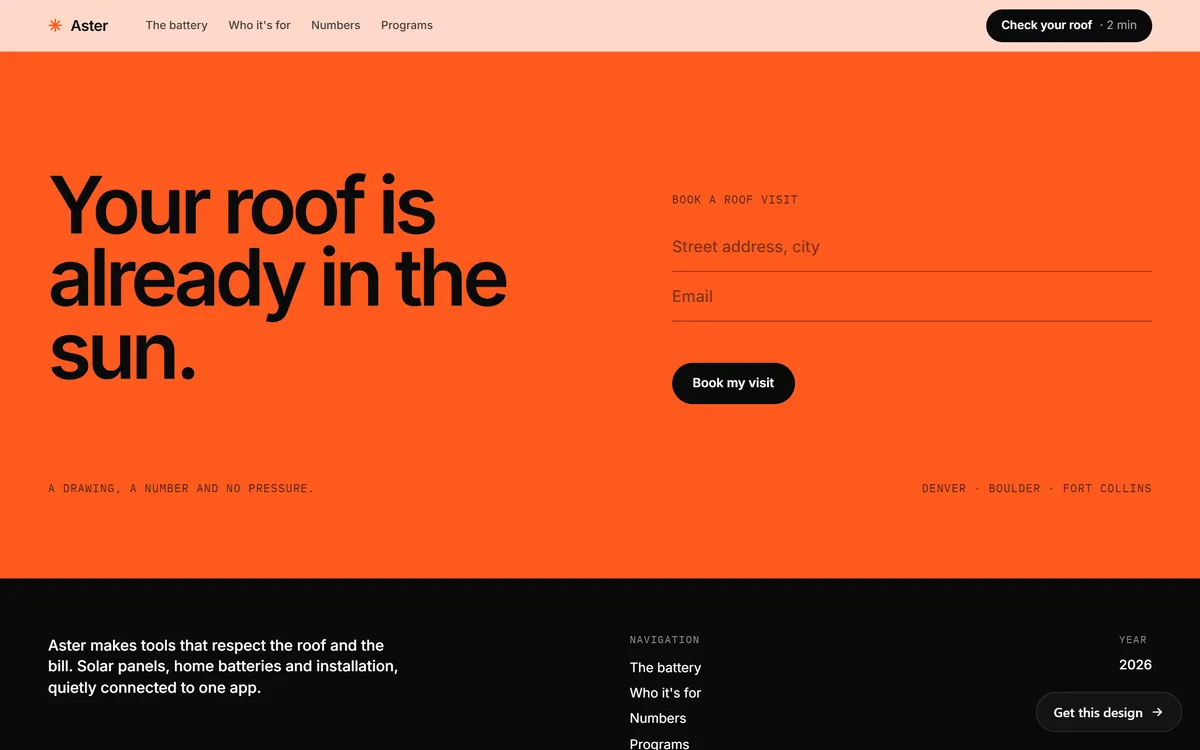
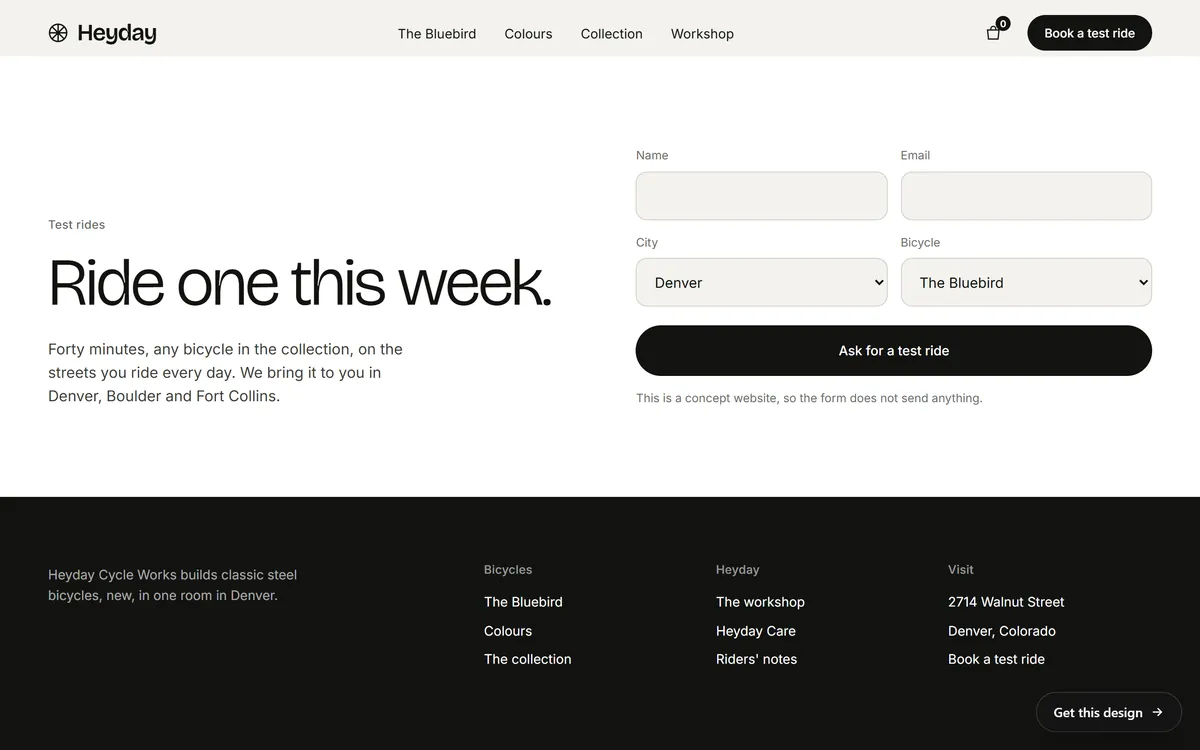
If you work in several cities, say which ones, in words. The Aster booking section lists Denver, Boulder and Fort Collins. The Heyday site does the same in its test-ride section, and gives its workshop address in the footer.
A page for each service, and a page for a place only when it has substance
Each main service deserves its own page, as lesson 6-2 explained. A page for each place can help too, but only when it has something real to say about that place: the services you offer there, local photos, local examples, the neighborhoods you know. Google treats pages made only to rank for many places, with the same text and a different city name, as spam. Ten honest pages beat fifty copies.
Local proof
Photos of real work in your area, a short story about a local customer (with their permission), the name of the neighborhood, the landmark next door. These details tell people, and Google, that you are really there.
Structured data that matches the page
A website can also carry your business details in a form made for search engines, called structured data. It is optional, and Google's guidance is that it must match the text a visitor can see on the page. It is something your web team can add. Never use it to say something the page does not say.
Businesses without a storefront
If you travel to your customers, like a plumber, a cleaner or a mobile mechanic, you can serve customers without sending them to an address. A Business Profile lets you list the areas you serve, and you can keep your home address off the public listing. On your website, list the areas you serve in text and make the phone and email easy to find. Do not use a fake address, a mailbox or a virtual office to look like you are in a city where you are not. It breaks Google's rules, and it puts your whole profile at risk.
The same details everywhere
Your business also shows up in directories, social networks, map apps and review sites. When your name, address or phone number differ between them, people and search engines lose confidence. Here is a method that works.
- Write one master version. Your exact business name, address format, phone, hours, website and main category, in one note.
- Copy it exactly. Use it on your website, your Business Profile, your social accounts and every listing.
- Claim the major listings. Besides Google, think of Apple Business Connect, Bing Places, Yelp, Facebook, your chamber of commerce and the directories of your industry.
- Update everything at once. When you move, change your phone or change your hours, change all of them the same week, including holiday hours.
- Favor quality. A few good, relevant listings beat hundreds of low-quality ones. Be careful with services that promise rankings from mass directory submissions.
Links and mentions from your own area
When the local newspaper, the chamber of commerce, a school, a charity or a supplier links to your site, it tells Google that real people in your area know you. Earn those links by doing real things: sponsor a team, join the chamber, host a workshop, offer an expert quote. Do not buy links.
Businesses with several locations
Each real location needs its own profile and its own page on your website, with its own address, phone number, hours, photos and local details. Add a locations page that links to all of them. Never list a location you do not really operate.
What changes from one kind of business to another
- A restaurant or cafe. The menu as real text, current hours, the address with a landmark, parking notes, a way to reserve, and plenty of photos of the food and the room. Reviews carry a lot of weight, and so do holiday hours.
- A contractor or home service. The services you offer, the cities and neighborhoods you cover, your license and insurance if they apply, photos of finished jobs by area, and an easy way to ask for a quote. Many of these businesses keep their address private.
- A shop. The products you carry, store hours, parking, pickup options and the neighborhood. Local customers often want to know that you have what they need before they drive over.
- A professional office. The services, the people, the languages spoken, how to book and what to bring. Trust matters most here, so use real photos of the team and the office.
How to check your local presence
- On your phone, search for your main service plus your city, and see whether the map shows you.
- Search for "your service near me" from different places, or ask a friend in another part of town. Distance changes the results.
- Search for your business name and check that the profile shows the right name, address, phone and hours.
- Open the Maps app and search for your business the way a customer would.
- Search for your phone number and address, and see which directories show them, and whether they are all identical.
- Read the profile's performance numbers every month, as lesson 6-10 explains.
A one-page local SEO checklist
- My Business Profile is complete and verified.
- My categories describe what I really do.
- My name, address and phone are identical on my site, my profile and every listing.
- My hours, including holidays, are up to date everywhere.
- My website names the places I serve.
- Each main service has its own page.
- My phone number is tappable on phones.
- I ask every customer for a review, within the rules.
- I have real photos of my place, my team and my work.
- I have asked at least one local organization to mention or link to my business.
Local SEO mistakes to avoid
- Different phone numbers or names in different places. It makes your business look unreliable.
- Adding keywords to your business name. Use your real name, not "Best Plumber Tampa Cheap". Google's rules ask for the name you use in the real world.
- Fake addresses and virtual offices. They are against the rules.
- Copy and paste city pages. They add nothing and can be treated as spam.
- Forgetting holiday hours. A customer who drives to a closed door writes a bad review.
- Moving without updating. Old addresses stay around for years in directories.
- Buying reviews. Google does not allow it, and lesson 6-7 explains the rules.
Local SEO and your website
Every site we build includes SEO setup, hosting, a mobile version, contact forms and texts written for your business. If you want a hand with your Business Profile or with asking for reviews, both are monthly services you can add. When you are ready, you can start your site.
Questions people ask
What is local SEO?
It is the work of helping your business appear when people search for something nearby. It covers your Google Business Profile, your website, your listings around the web and your reviews.
How do I show up in "near me" searches?
Google uses the searcher's location, so you cannot force it. What you can do is have a complete, verified profile with accurate location, the right categories, clear services, good reviews and a website that matches.
What is the local pack?
It is the map with a short list of businesses that Google shows for local searches, above or next to the regular results. It is built from Business Profiles.
Do I need a physical address to appear in local results?
Not always. A business that travels to its customers can list the areas it serves and keep its address private. A fake or borrowed address is not allowed.
How do I rank in more than one city?
Be honest about where you work. Name the areas you serve, create a page with real content for each important place, and open a separate profile only for real locations.
Does my website matter if I have a Business Profile?
Yes. Your profile points to your website, and the site is where customers find details, proof and a way to contact you. Google also says it counts links and other information from across the web when it judges how well known a business is.
What does NAP mean?
It stands for name, address and phone number. Keeping them identical in every place they appear makes your business easier to trust.
How long does local SEO take?
Some updates show within days, while building reviews, links and a name people know takes months. Google suggests waiting a few weeks before judging a change.
Can I pay to appear in the local results?
No. Google says there is no way to request or pay for a better local ranking. You can run ads, but they are marked as ads and are a separate product.
Do reviews help local SEO?
Google says more reviews and positive ratings can help your local ranking. They also help customers choose you. Lesson 6-7 explains how to get them within the rules.
Want a website that does all of this? Start your site