How to show up in AI answers like ChatGPT and Google AI
AI tools that search the web read pages and link their sources. Here is how they pick pages, what you can do, and what no one can promise.
More people now ask ChatGPT, Google's AI answers or another assistant instead of typing a list of keywords. These tools often search the web and link to the pages they used. Nobody can promise that your site will be one of those pages. But the steps that help are mostly the same ones that help in regular search, and they are within your reach. This lesson explains how these tools find and cite pages, and what you can do about it.
Two ways an AI tool answers
When you ask an AI tool a question, it can answer in one of two ways, and many tools mix them.
- From what it learned during training. The tool answers from memory. It may be out of date, it may be wrong, and it usually shows no source you can click.
- By searching the web. The tool runs one or more searches, reads pages, writes an answer and often lists the pages it used as sources.
Only the second way can send visitors to your site or mention you with a link. That is the part you can influence, so it is the part this lesson is about.
How Google's AI features pick pages
Google has two AI features in Search. AI Overviews are summaries shown above the results for some searches. AI Mode is a conversation-style way to search. Both show links to the pages that support their answers.
Google has published what it asks of site owners, and it is short.
- The page must be indexed and eligible to be shown in Google Search with a snippet. That is the entry condition, and it is the same as for regular results.
- There are no additional requirements and no special optimizations. Google says you do not need new files or special markup for these features, and that no particular schema markup is required.
- Nothing is guaranteed. Google says indexing and serving are not guaranteed, even for pages that follow every rule, and that AI Overviews often do not appear at all.
Google also explains that these features can use a technique called query fan-out: they run several related searches across subtopics before writing the answer. In practice, a clear page about one topic can be found through more than one related search, and the links shown can be broader than in a classic results page.
What Google recommends is familiar. Meet the technical requirements and follow its policies. Create helpful, reliable, people-first content. Let crawlers in. Link your pages to each other. Keep important content in text. Make sure any structured data matches the visible text on the page. Keep your Business Profile information up to date. And confirm ownership of your site in Search Console, so technical problems show up sooner.
How ChatGPT search finds and cites pages
OpenAI documents three separate bots, and knowing the difference helps you decide what to allow.
OAI-SearchBot
This is the one that matters for visibility. OpenAI says it is used to surface websites in the search results of ChatGPT, and it recommends allowing it in your site's robots.txt file if you want to appear. A site that blocks it will not be shown in ChatGPT's search answers, although it can still appear as a plain link. OpenAI says it can take about 24 hours for its systems to adjust after you change robots.txt.
GPTBot
This one is about training the models. OpenAI says that disallowing it tells OpenAI the content should not be used to train its generative AI models. Blocking it does not remove you from search. OpenAI states that each setting is independent of the others.
ChatGPT-User
This one acts when a person asks ChatGPT to open a page. OpenAI says it is not used to crawl the web automatically, that robots.txt rules may not apply to it, and that it does not decide whether a site appears in ChatGPT search.
The practical lesson: have your web team or your host check that nothing blocks the search bot by accident. Some security tools block unfamiliar bots by default, and OpenAI suggests allowing the IP addresses it publishes.
Other assistants
Gemini, Copilot, Perplexity, Claude and other assistants can search the web too, at least in some modes. Each has its own way of finding pages and its own rules, and they change often. What they have in common is that they search, read and, in many cases, link to their sources. A site that is easy to find, easy to read and clear about the facts is in a better position with all of them. None of them can promise you a place.
What an answer can look like for a local business
Imagine someone asks an assistant: "Which family dentist in Tampa is open on Saturdays, and do they see kids?" To answer, the tool needs a few facts: where the office is, which days it opens, whether it treats children. It will look for pages that state those facts plainly. A page that says "Open Saturdays 9 to 1" and "Dentistry for kids and adults" in text is easy to use. A page that hides the hours in an image, or that says only "Smile with confidence", gives the tool nothing to quote, so it may pick another office or guess.
The lesson holds for any trade: the facts a customer asks about should be written in plain text, on the page where they would look for them.
What helps your pages get picked
There is no secret recipe, and Google says that it requires nothing special beyond good search basics. These habits tend to help, because they make a page easy to read for people and for software. Treat them as ways to be useful, not as tricks.
Be easy to find and read
Make sure your pages are indexed, not blocked, fast and comfortable on a phone. Keep your key information in text, not in images or in downloadable files only, so any tool can read it.
Answer the question first
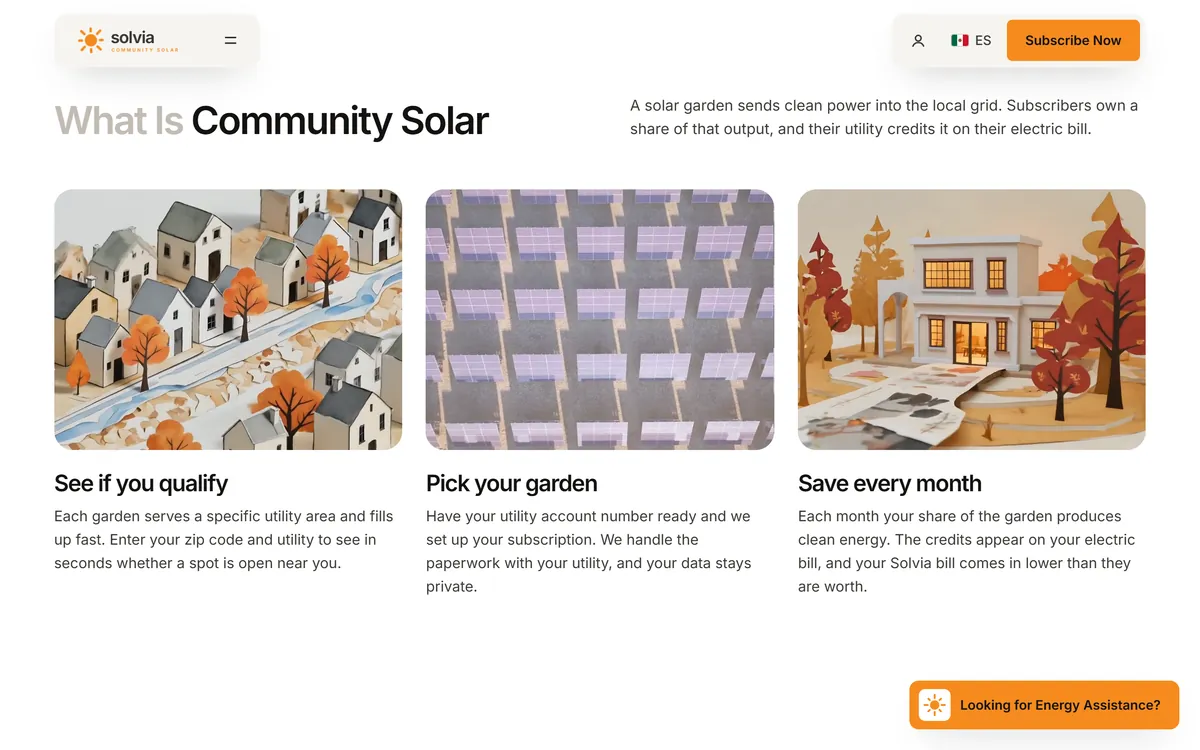
Put the answer in the first lines of the page, in plain sentences, and then give the detail. A page that begins with a definition, like Solvia's section on community solar, gives a tool a clean passage to quote. The section says what a solar garden is in two sentences, then offers three short steps.
Put key facts in plain text
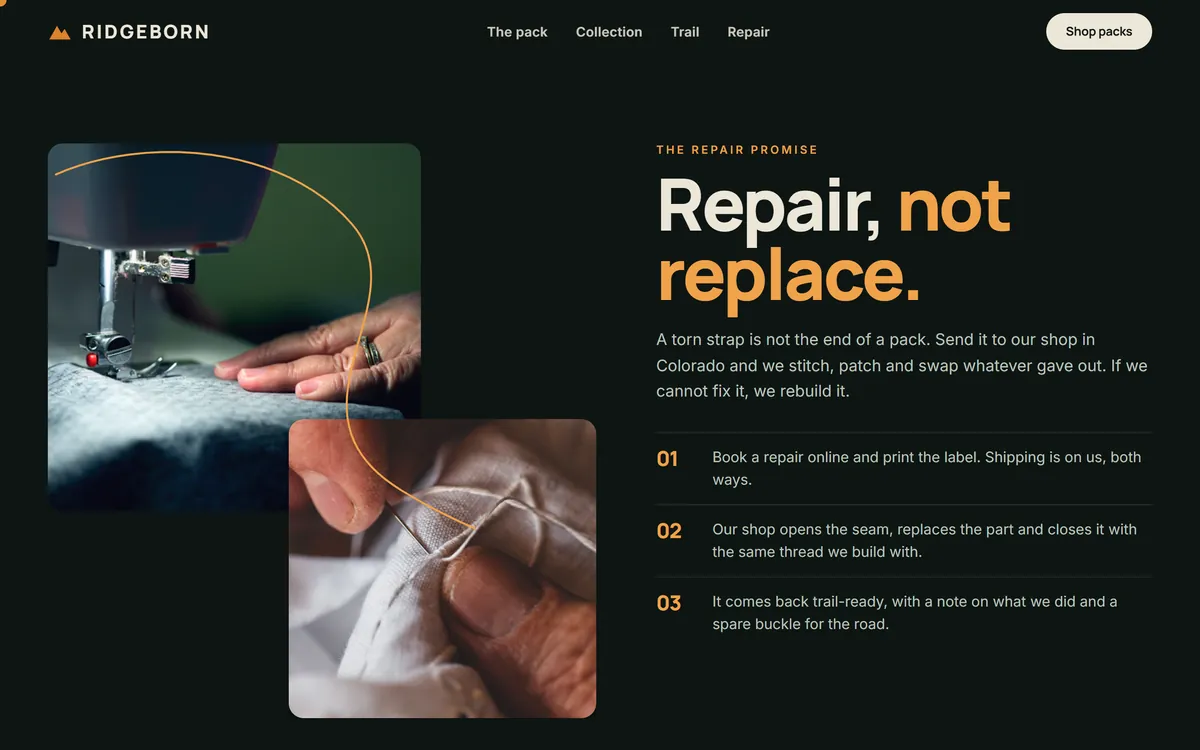
State what you do, who it is for, where you work, what is included, how it works and what your policies are. Specific facts are easier to cite than slogans. The Ridgeborn repair section tells you what happens, step by step: you book a repair, the shop fixes it, it comes back with a note. Each step is a sentence a tool can use accurately.
Use steps, lists and clear headings
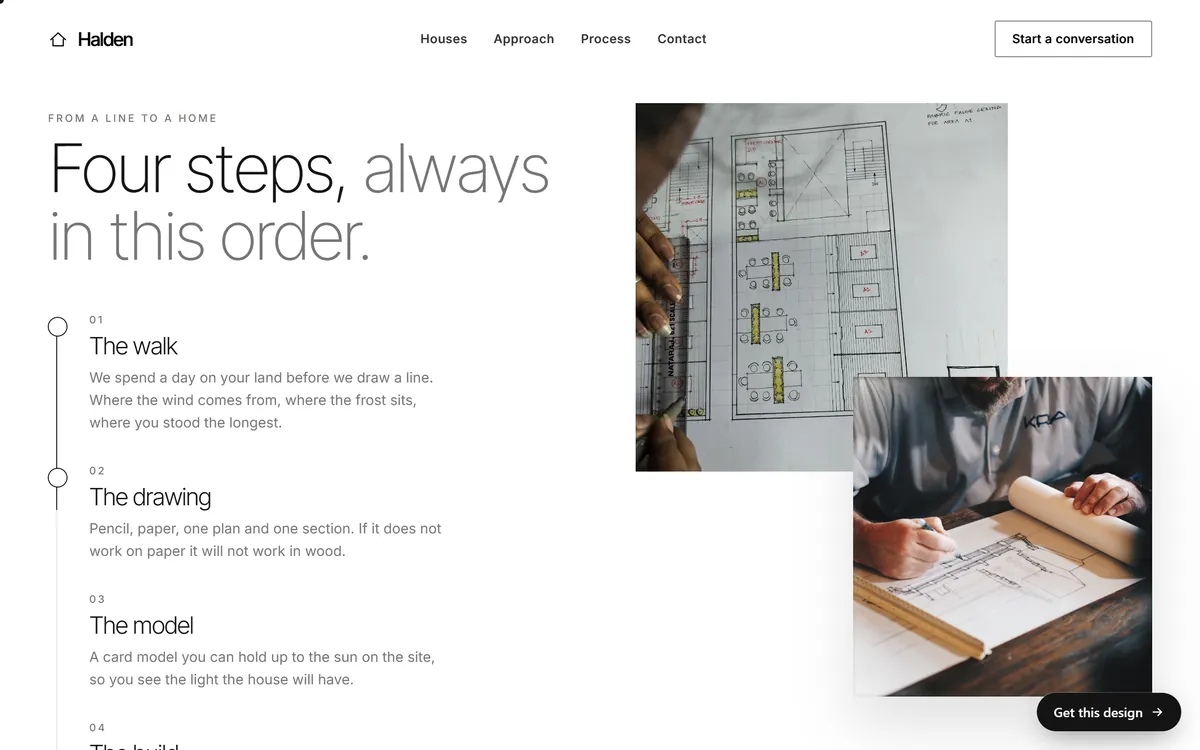
Questions as headings, short lists and numbered steps make a page easy to scan, for people and for software. The Halden process section does it in four steps, each with a short name and one or two sentences.
Be specific and consistent
Use real names, places, numbers and dates, and only claim what is true. Keep the details of your business identical on your website, your Business Profile and the directories where you appear, as lesson 6-5 explained. When sources disagree, a tool may repeat the wrong one.
Show who is behind the content
An about page with real names, photos, a contact page and reviews from real customers make a business easier to trust. Put the author's name and a date on articles.
Match your structured data to the page
If your site includes structured data, Google's guidance is that it must match the visible text of the page. It is optional, and it does not replace clear writing.
Be mentioned by reliable sources
Assistants read the wider web. Mentions in your local news, trade directories, partner sites and review sites give them more places to learn about you, as long as the details are correct.
Keep content current
Update prices, hours and policies when they change, and show the date. Old information can end up in answers long after it stopped being true.
What not to do
- Do not pay for a guarantee. Nobody controls what an AI tool says, and Google says no special optimization is needed for its features.
- Do not mass-produce pages. Dozens of near-identical pages written for machines help nobody and can break spam policies.
- Do not hide text for machines. Hidden text goes against Google's spam policies.
- Do not block crawlers by accident. Check robots.txt and your host's security settings.
- Do not chase every new acronym. GEO, AEO and similar names describe the same basics: be clear, accurate and useful.
How to check what AI tools say about you
- Write ten questions a customer could ask. For example "best plumber in Tampa", "how much does a roof repair cost in Houston" or "is [your business name] good?"
- Ask them in ChatGPT, in Google's AI results and in one or two other assistants.
- Note what happens. Are you mentioned? Which pages are cited? Is the information right?
- Fix mistakes at the source. Update your website, your Business Profile and the directories that have wrong details.
- Repeat once a month. Answers change from day to day and from person to person, so look for patterns, not for a single result.
A thirty-minute checkup
- Ask your web team or your host whether anything blocks the search bots of Google or OpenAI by accident.
- Open your main pages and check that the key facts, such as services, areas, hours and what is included, are written as text.
- Read the first lines of each page. Do they answer the main question?
- Compare your name, address, phone and hours on your site, your Business Profile and two directories.
- Check that your Business Profile is current, with recent photos and replies to reviews.
- Ask five customer questions in two assistants and write down what you see.
Your choices as a site owner
You decide what the bots can use. Google points to robots.txt for crawl access, and to noindex, nosnippet, data-nosnippet and max-snippet to limit what is shown in its results. OpenAI points to robots.txt for its search bot and its training bot. A small business that wants customers usually wants to be found, so blocking search bots is rarely the right choice. Deciding about training is a separate choice.
AI answers and your website
SEO setup is part of every site we build, along with hosting, a mobile version and texts written for your business, in plain language with your real details. No site can promise a mention in AI answers, and we do not promise one. When you are ready, you can start your site.
Questions people ask
Can I pay to appear in ChatGPT answers?
Be careful with anyone who sells a guaranteed place in AI answers. Nobody can promise it. What you can do is make your site easy to find and read, and decide what the search bot may access.
Can I make sure ChatGPT recommends my business?
No. You can make your pages clear, accurate and easy to reach, but the tool decides what to say, and answers vary.
What are GEO and AEO?
They are names some people use for optimizing for generative engines and answer engines. Google says there are no additional requirements for its AI features beyond good search practice, so the basics in this series cover most of it.
Do I need an llms.txt file?
Google says you do not need special files or markup for its AI features. OpenAI's documentation of its crawlers explains how to allow or block its bots with robots.txt. Do not pay for a file that promises results.
Should I block AI crawlers?
It depends on what you want. Blocking OAI-SearchBot keeps your site out of ChatGPT's search answers. Blocking GPTBot concerns training and does not affect search. Most businesses that want customers should allow search bots.
How do I check whether ChatGPT mentions my business?
Ask it the questions a customer would ask, note whether you appear and which pages it cites, and repeat once a month. Expect results to change.
Does Google's AI Overview use my website?
It can, if your page is indexed and eligible to be shown with a snippet. Google says nothing is guaranteed, and that AI Overviews often do not appear.
Do I need special markup or schema?
Google says no particular schema markup is required for its AI features. If you use structured data, keep it matching what the page shows.
Why does an AI tool give wrong information about my business?
It may rely on old or inconsistent sources. Update your website and your profiles, and fix the directories that list wrong details. Some mistakes may linger for a while.
Is regular SEO still important?
Yes. For Google's AI features, being indexed and eligible to be shown with a snippet is the entry condition. Good SEO is the base for everything else.
Want a website that does all of this? Start your site