Your first newsletter, step by step
A first newsletter does not need to be long or clever. It needs to be clear, useful and sent. Follow ten steps from the email service to the results.
A newsletter is a regular email to people who asked to hear from you. Your first one does not have to be long or clever. It has to be clear, useful and sent. This lesson walks you through each step, from choosing an email service to reading the results.
What a newsletter is for
A newsletter keeps you in the minds of people who already know you. It reminds them that you exist, shows them that you know your trade and gives them a reason to visit your website, book a visit or buy again.
Give each issue one goal. It might be to show a new menu, to book tune-ups before spring or to introduce a new product. An issue that tries to do five things usually does none of them well.
Step 1: Choose an email service
You need an email service to send a newsletter. It stores your list, builds the sign-up box, sends the messages and handles unsubscribes. Sending a newsletter from a personal Gmail or Outlook account is a poor idea. Those accounts are made for personal mail, they limit how many messages you can send, and they give you no tools to manage a list.
Several services have offered free plans for small lists, including Mailchimp, Brevo, MailerLite and Kit. Plans change often, and in recent years several services have cut what their free plans include, so read the current plan page before you choose. When you compare services, look at these points:
- How many contacts and how many emails per month the plan allows.
- Whether the plan includes automations, such as a welcome email, or only newsletters.
- Whether the service adds its own logo to your emails on the free plan.
- How easy it is to build a sign-up box and a simple email without a designer.
- Whether you can export your list if you want to leave.
- What happens to the price when your list grows.
- Whether there is support in a language you are comfortable with.
Do not spend weeks choosing. Pick one that fits today, because moving later is possible when you export your list.
Step 2: Set up your sender details
Before your first send, fill in the details that people see and that the law expects.
- From name. Use a name people recognize, such as your business name or a person plus the business, like "Ana at Heyday." A real person's name feels friendlier than a brand alone.
- From address. If you have a domain, use an address on it. It looks professional and it builds your reputation with mailbox providers.
- Reply address. Make sure it is a real inbox that you read. Replies are the best feedback you will get.
- Postal address. The law asks for a valid physical address in every marketing email. A later lesson covers the options.
- Domain authentication. Your email service will show steps to link your domain to it, often called SPF and DKIM. In plain words, it proves that the email really comes from you, and it helps your messages reach the inbox. If you do not manage your domain, ask the person who does.
Step 3: Decide who it is for and what it is for
Picture one reader: a customer you know. Write to that person. Then decide the goal of the issue in one sentence, such as "Get people to look at the new spring menu."
Choose a rhythm you can keep. Once a month is a good start. It is better to send a short email every month for a year than a long one every week for three weeks and then nothing.
Step 4: Find things to write about
Most owners fear the blank page. The good news is that you already have material. Look here first:
- Questions customers ask you. Each answer can be one issue.
- New products, menus, dates and services.
- Seasonal reminders: what to do before winter, before a busy season, before a holiday.
- Behind the scenes: who works with you, how something is made, a day at your shop.
- Customer stories, with their permission.
- Mistakes you see people make, and how to avoid them.
- The articles and pages already on your website.
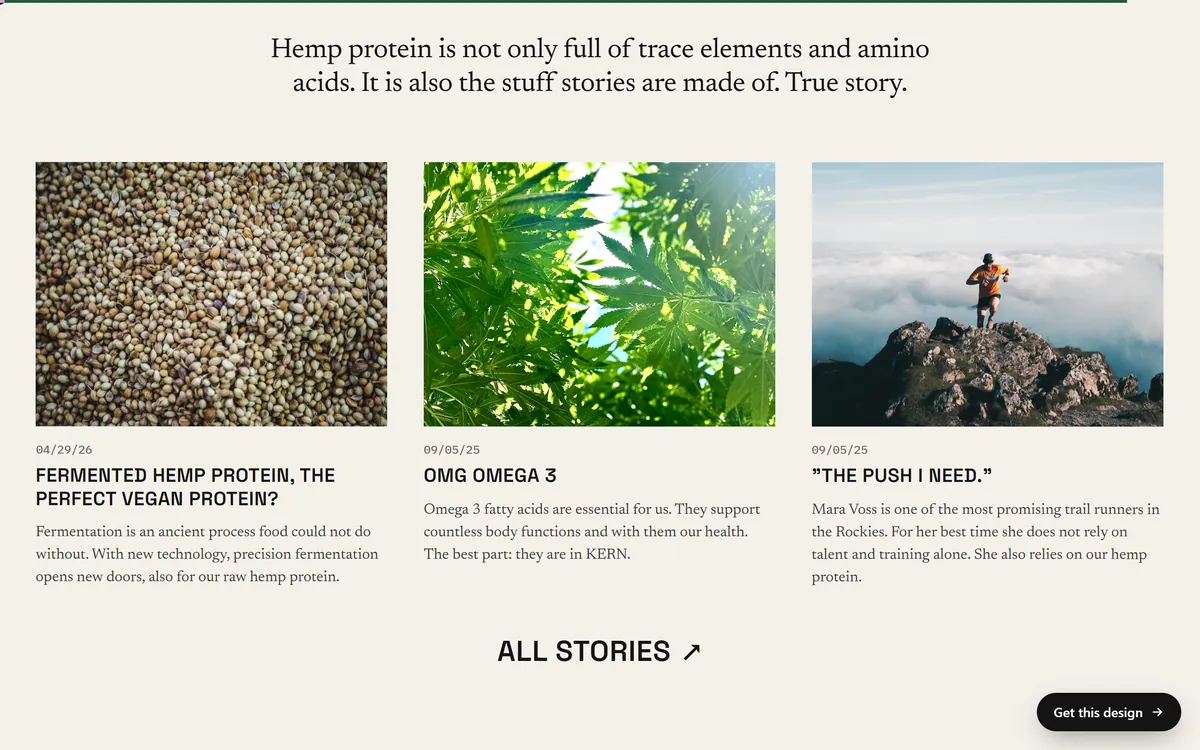
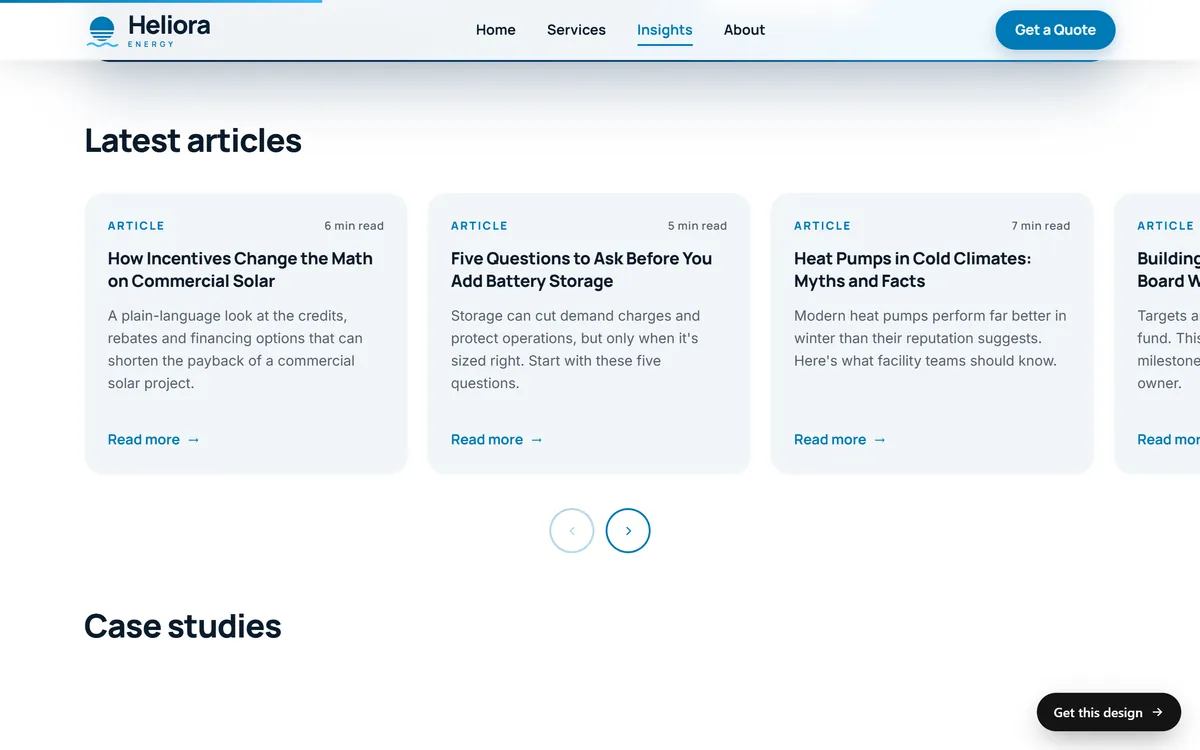
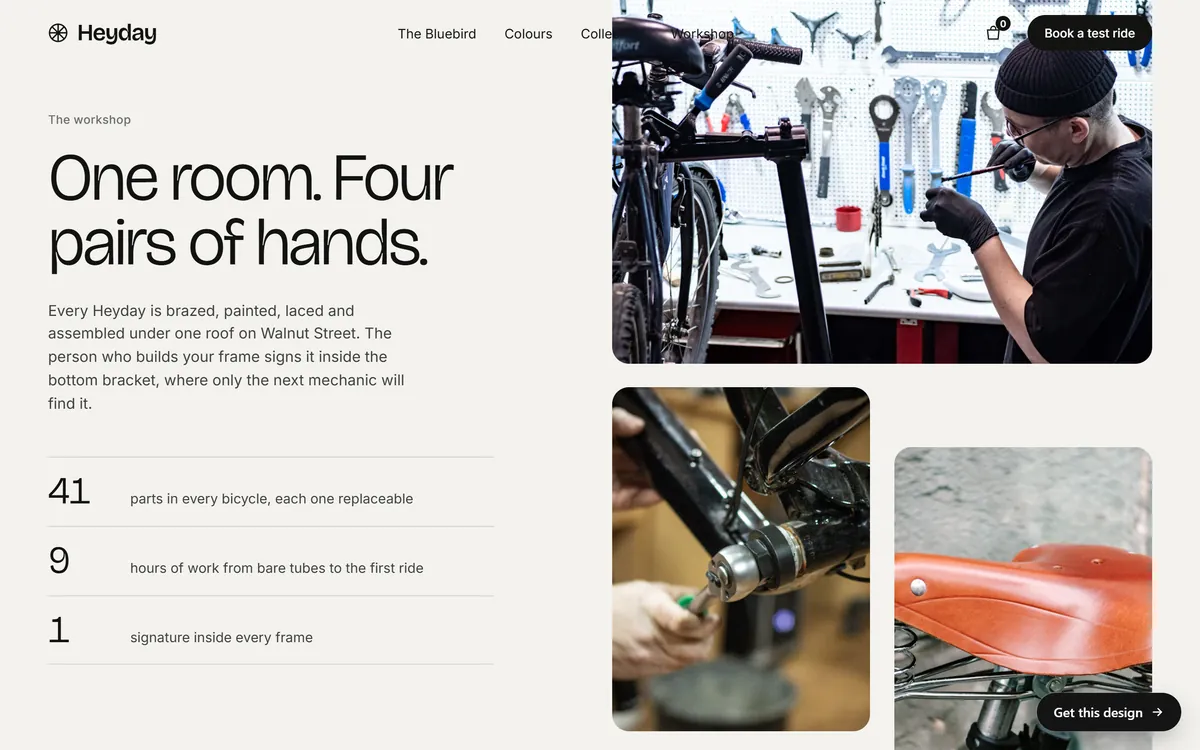
A site with a journal or news area already holds a stock of topics. Here is one example.
Step 5: Use a simple structure
You do not need to invent a format. This one works for most small businesses:
- Subject line. Say what is inside, in a few words. A later lesson covers subject lines in depth.
- Preview text. The first line that shows next to the subject in the inbox. Use it to add to the subject, not to repeat it.
- A greeting. "Hi Maria," if you have the first name and it is correct, or "Hello," if not.
- One main story. Three to five short paragraphs about one idea.
- One button. A clear action, such as "See the menu" or "Book a tune-up."
- An optional second item. A short tip or a link to an article.
- A sign-off from a person. Your name, and a line inviting replies.
- The footer. Your business name, your postal address and an unsubscribe link. Your email service adds the link for you.
A sample first issue
Here is a short example for a small bicycle workshop, so you can see how little it takes.
- Subject: Three signs your bike needs a tune-up
- Preview text: Plus a few spring openings in the workshop
- Opening: Hi Maria, spring is near, and the workshop is already getting busy.
- Main story: Three short paragraphs about three signs: the chain skips, the brakes squeal and the tires lose air fast.
- Button: Book a tune-up
- Sign-off: Ana, and one line that says to reply with any question.
That is the whole email. It has one idea, one button and a human voice. Plan about an hour for your first issue, and expect it to take less each time as you reuse your own structure.
Step 6: Write like you talk
- Write to one person. Use "you."
- Lead with what is useful or interesting, not with a long hello.
- Use short sentences and short paragraphs. On a phone, a long block looks heavy.
- Be specific. "Our new roast has notes of orange and cocoa" says more than "an exciting new flavor."
- Skip hype and big promises. People can tell.
- Read it out loud. If it sounds stiff, rewrite it the way you would say it to a customer.
The right length is the shortest one that does the job. Most newsletters for small businesses can be read in two or three minutes.
Step 7: Keep the design simple
- Use one column, so it reads well on a phone.
- Choose readable text, in a size you can read without zooming.
- Use one or two pictures, and add a short description for each one, since some mail programs hide images until the reader allows them.
- Make the button big and easy to tap.
- Do not send one big image with all the text inside it. If the image is blocked, the reader sees nothing.
- Link to files instead of attaching them.
A plain email that looks like a message from a person is perfectly fine. Fancy templates do not make a newsletter better.
Step 8: Test before you send
Every email service lets you send a test to yourself. Use it, and check this list:
- Open it on your phone and on a computer.
- Click every link and make sure it goes to the right page.
- Read it again for spelling and for names.
- Check that the from name, the reply address and the postal address are right.
- Find the unsubscribe link and make sure it is there.
- Ask one other person to read it, if you can.
Step 9: Choose when to send
Pick a day and a time you can keep, and use your service's scheduling tool. Consistency matters more than the perfect hour. Many guides name the best day to send, but the answer depends on your customers. Try a rhythm, watch what happens over several issues and adjust slowly. Do not send several messages in one day to the same list.
Step 10: Send, then read the results
After you send, look at what your email service shows:
- Clicks. Which links people pressed. This tells you what interested them.
- Replies. The best signal of all. Answer each one personally.
- Unsubscribes. A few after each issue are normal. A sudden jump tells you something went wrong, such as a message that did not match what people expected.
- Bounces. Addresses that did not receive the email. Remove those that keep failing.
- Opens. Use them with care. A later lesson explains why open numbers are less reliable than they used to be.
Write down one thing to try next time. Small improvements over many issues beat one big redesign.
A checklist for your first issue
- I have chosen an email service and set up my sender details.
- I know the one goal of this issue.
- The email has a clear subject line and one main story.
- It has one button that leads to a useful page.
- I tested it on my phone and clicked every link.
- The postal address and unsubscribe link are in the footer.
- I scheduled it for a day I can repeat.
Mistakes first newsletters often make
- Too many topics. Choose one.
- No clear action. Tell the reader what to do next.
- Long gaps. Silence for months, then three emails in a week.
- Tiny text. If people must zoom, they will not read.
- A hidden sender. People should know at once who wrote to them.
- Ignoring replies. A reply is a customer talking to you.
- Waiting for perfect. A simple issue that goes out beats a beautiful one that never does.
Newsletters and Good Sites Only
The texts and photos we prepare for your site, written from your answers, are also good raw material for early issues. Email marketing can be added as a monthly service, and no one can promise a number of opens or sales. You can see how news and journal areas look in different industries in our designs.
Questions people ask
How often should I send a newsletter?
Once or twice a month is a safe start for most small businesses. Choose a rhythm you can keep for a year, say it on your sign-up box and stick to it. Regular and short beats frequent and rushed.
How long should a newsletter be?
As short as it can be while doing its job. Most small business newsletters can be read in two or three minutes. One main story and one clear button is a good shape.
What should I write about in my first newsletter?
Welcome people, say what they can expect and share one useful thing, such as an answer to a question customers often ask. Add one button that leads to a page on your site.
Do I need a designer or a template?
No. Most email services include templates, and a simple one-column email is enough. A clear message matters more than fancy design.
What is the best day and time to send?
It depends on your customers. Many guides give a "best time," but those are averages for other businesses. Pick a day and time you can repeat, watch your own results over several issues and adjust slowly.
Do I need an email service, or can I use Gmail?
Use an email service. A personal inbox limits how many messages you can send and gives you no tools for unsubscribes or list management. Email services are built for this and many have free plans for small lists.
Which email service should I use?
Mailchimp, Brevo, MailerLite and Kit have all offered free plans for small lists, and there are others. Plans and limits change, so compare the current plans for list size, monthly sends, automations and what you pay as you grow. Pick one that feels easy to use.
What is a good open rate?
There is no single number, because it varies by industry and list. Since Apple introduced Mail Privacy Protection, open rates have become less reliable. Look at clicks, replies and what people do after reading, such as booking or buying.
Should I send plain text or a designed email?
Either works. A plain email that looks like a personal message is often read, and a simple designed one with your logo and a button also works. Choose the one you will actually keep up.
What if nobody replies or clicks?
Give it a few issues. Check that your message has one clear action, that the subject says what is inside and that the content is useful to the reader. Ask a few customers what they would like to read. Small changes, one at a time, show you what works.
Want a website that does all of this? Start your site