Email automations every small business should have
Write a message once and let it send itself when something happens. Here are the automations to start with and how to avoid sending too much.
An email automation is a message that sends itself when something happens: someone joins, books, buys or goes quiet. You write it once, and it keeps working while you run your business. This lesson covers the automations every small business should have, what each one says and how to set them up without sending too much.
An automation is an email that sends itself
Every automation has three parts. A trigger is the event that starts it, such as "a person booked a visit." A wait is the time before the message goes out, which can be zero. A message is the email itself.
Think of it as a helpful employee who never forgets. When a customer books, the employee writes back at once. The day before the visit, the employee sends a reminder. After the visit, the employee says thank you. You wrote those lines once, and every customer gets them.
Some automatic emails are marketing and some are service messages. A booking confirmation is a service message, because the person asked for it. A message that promotes an offer is marketing. The law treats them a little differently, and a later lesson covers the rules.
Start with the welcome series
The first automation is the welcome email, or a short series, that goes to every new subscriber. The previous lesson shows how to write it. It is the single most useful automation, because it reaches people at the moment they are most interested.
Confirm every booking or request
When someone books a table, a visit, a ride or a job, they want to know it worked. An automatic confirmation, sent within a minute, answers that. It also gives you a place to repeat the details, so nobody has to scroll back through a website.
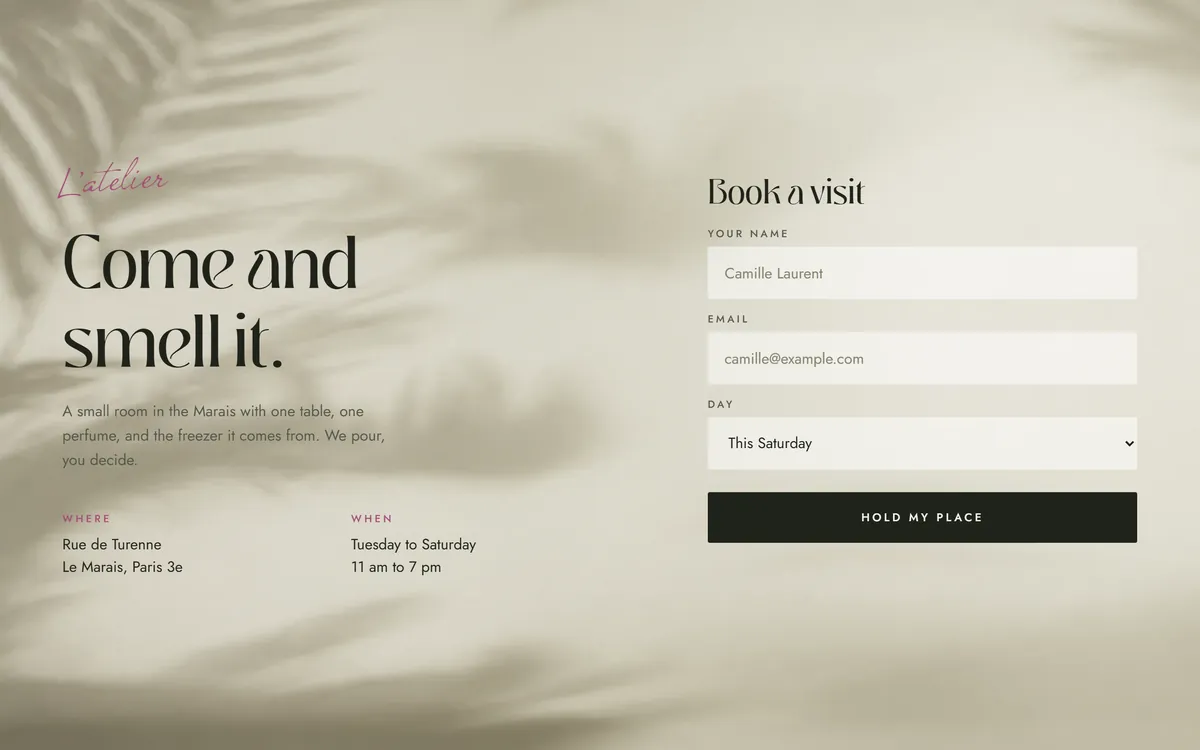
A good confirmation includes:
- What was booked, with the date and the time.
- The address and how to get there.
- The price or the total, if there is one.
- How to change or cancel, and until when.
- A phone number or a reply address for questions.
Keep the tone warm and the message short. This email is likely to be read, so it is also a good place for a friendly line that sounds like you.
Remind people before the visit
Busy people forget. A reminder the day before, and sometimes another a few hours before, helps people show up and gives them a chance to cancel in time if they cannot. It saves you an empty table or an empty hour.
A reminder should say:
- Your name, the date and the time of the visit.
- The address, parking and any detail that makes arriving easier.
- What to bring or how to prepare.
- A link to change or cancel, so a no-show becomes a rebooking.
Thank people after they buy or visit
A short thank-you the next day shows that you noticed. Say thanks in plain words, tell the customer what happens next, such as when an order will arrive, and say how to reach you if something is wrong. You can add one tip for using what they bought.
Do not turn the thank-you into a sales pitch. It works best when it asks for nothing.
Ask for a review at the right time
A few days after a visit or a delivery, when the experience is fresh, send a message asking for a review. Keep it short, thank the person and give one direct link to the page where you want the review. Ask every customer, not only the happy ones, and never offer a reward in exchange for a review. A later lesson explains the rules about reviews.
Remind people when it is time to come back
Many businesses have a natural cycle. A bicycle needs a tune-up each spring. A bottle of perfume runs out. A solar panel system needs a check now and then. A haircut, a cleaning or a checkup comes around again. An automation can send a friendly note a set number of days or months after the last purchase or visit.
Write it like a helpful reminder, not a sales pitch: "It has been about a year since your last tune-up. Here is how to book one." Include a button that leads straight to your booking page.
Win back customers who went quiet
Some people simply drift away. A win-back automation starts when someone has not bought, booked or clicked for a set period, such as six months. It sends one friendly message: "It has been a while. Here is what is new, and here is an easy way back."
Send one or two messages, not ten. If the person still does not respond, stop emailing them. A smaller list of people who read your emails is healthier than a large list that does not.
For online shops: abandoned carts and back in stock
If you sell online, two more automations matter.
- Items left in the cart. When someone adds items and leaves, one or two reminders can bring them back. Show the items, offer help with questions and do not pressure the reader.
- Back in stock. When a sold-out item returns, tell the people who asked to be told.
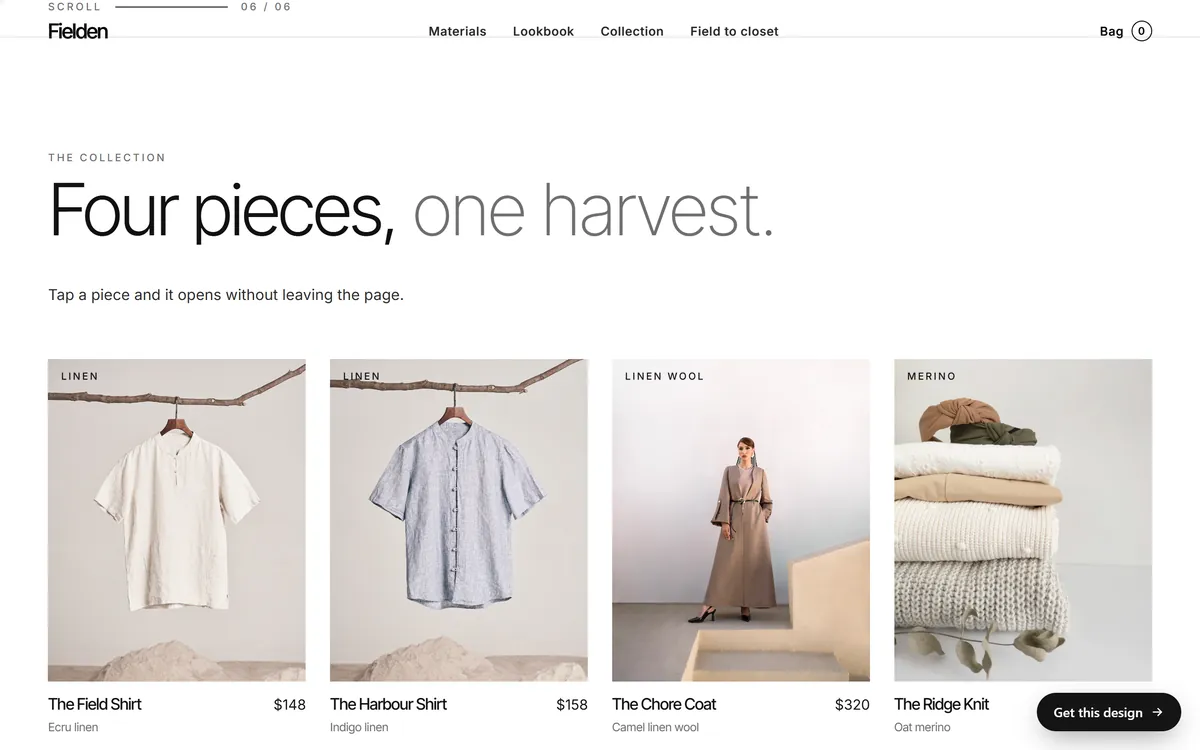
Also add an order confirmation and a shipping notice. Most shop tools can send these for you, and customers expect them.
Let your booking and shop tools do part of the work
Booking tools, shop platforms and payment tools often send their own confirmations and receipts. Check what already goes out before you add your own, so customers do not get two messages for the same thing.
Where a tool already sends a good confirmation, spend your time on the messages it does not send: the reminder before the visit, the thank-you, the review request and the nudge to come back. Try to keep the wording and the sender name consistent from one tool to the next, so customers recognize you every time.
Birthdays and anniversaries
A short, warm message on a birthday or the anniversary of a first purchase can feel personal. You need the date, and the person must have given it to you knowing what you would do with it. Keep it simple, and do not make the message only about a discount.
Three messages, written out
These short examples show the tone. Adapt them to your business.
- Confirmation. Subject: Your table is booked for Friday at 7. Body: Hi Maria, we have a table for two on Friday at 7 pm. It is at 12 Maple Street, and there is parking behind the building. Need to change it? Use the button below, or reply to this email.
- Reminder. Subject: See you tomorrow at 7. Body: Hi Maria, a quick reminder that your table is ready tomorrow at 7 pm. If your plans changed, please tell us with the link below, so we can offer the table to someone else.
- Thank-you. Subject: Thank you for coming. Body: Hi Maria, thank you for dining with us. We hope you had a good evening. If anything was not right, reply and tell us. I read every message.
They are short, kind and useful. Nothing in them pushes a sale.
Plan on paper first
Before you build anything, write the map on paper. A starter map for a small business looks like this:
- Someone joins the list: welcome email right away.
- Someone books: confirmation right away.
- One day before the booking: a reminder.
- One day after the visit: a thank-you.
- A few days after the visit: a review request.
- A set number of months after the last visit: a reminder to come back.
- No activity for six months or so: a win-back message.
You do not need all of them at once. Start with three: the welcome, the confirmation and the reminder. Add the rest as you grow.
Send the right message to the right group
Not everyone on your list is a customer. Some have only joined your newsletter, and others have bought or booked. Many email services let you tag or group people. Use the groups, so that a new subscriber gets the welcome series and a past customer gets the "time to come back" message.
A message that does not fit the person feels like spam. A customer who booked yesterday should not get a note that says "we miss you."
Send at sensible hours
Set automations to go out during the day, in the customer's own time zone. A reminder that arrives at three in the morning feels careless. If you serve customers in several states, ask your email service how it handles time zones.
Rules for every automation
- One goal per email. One idea, one button.
- Avoid stacking. A person should not get three automated emails in one day. Many services let you set a rule to prevent this.
- Keep the footer in marketing emails. Include your postal address and an unsubscribe link, and honor each request.
- Check the details every few months. Dates, prices, links and addresses go out of date.
- Test with your own address. Walk through each path and read each message as a customer would.
- Keep a simple map. A page that lists each automation, its trigger and its goal saves you when something changes.
- Stop when people stop reading. Remove addresses that never respond.
Automations and Good Sites Only
Contact forms are included in every site we build, and a message from a form is where many automations begin. Email marketing can be added as a monthly service, and so can review requests. When you are ready to put the pieces in place, you can start your site.
Questions people ask
What is an email automation?
It is an email that sends itself when something happens, such as someone joining your list, booking or buying. You set up the trigger, the wait and the message once, and it runs for every customer.
What automations should I set up first?
Start with the welcome email, the booking or order confirmation and the reminder before a visit. Then add a thank-you, a review request and a message to bring customers back.
Do I need a paid plan for automations?
It depends on the service and the plan. Some free plans include a basic welcome email, and others reserve automations for paid plans. Plans change, so check the current plan page before you choose.
How many emails should an automation have?
As few as it takes. A confirmation or a reminder is one email. A welcome series is three or four. A win-back is one or two. More is not better.
Are automated emails legal?
Automated marketing emails must follow the same rules as any other marketing email, such as including your postal address and an unsubscribe link. Messages that confirm something a person asked for are treated a little differently. A later lesson covers the rules, and legal questions are best asked of a professional.
Can I automate emails with Gmail?
Not in a way that suits a business list. Email services are built to send automatic messages, to manage unsubscribes and to track results. Booking and shop tools also send their own confirmations.
How do I test an automation?
Run through it yourself with a new email address. Join the list, make a booking or place an order, and read each message as it arrives. Check the links, the dates and the footer, and look at it on a phone.
How long should the delay between emails be?
Match it to the customer's pace. A confirmation goes out at once. A reminder goes out a day or a few hours before. A welcome series spaces emails a couple of days apart. Try a schedule, then adjust from the replies and clicks.
What is a drip campaign?
It is a series of emails sent over time, usually triggered by an event such as a sign-up. A welcome series is a drip campaign. The name comes from the way messages arrive a few at a time.
Will automated emails feel impersonal?
Not if you write them like a person. Use your own voice, sign with a real name, invite replies and answer them. Customers care that the message is useful and on time, not whether you typed it today.
Want a website that does all of this? Start your site