How to know if your ads work
An ad works if it brings more value than it costs. Learn the numbers that matter, the free ways to count them and a simple weekly routine.
An ad works if it brings you more value than it costs. That sounds obvious, yet many owners judge ads by clicks, likes or reach. This lesson explains the numbers that matter, the free ways to count them and a simple routine for checking your results every week.
Decide what counts as a result before you start
The word the platforms use for a result is a conversion. A conversion is the action you want after the click: a phone call, a form sent, a booking, a reservation or a purchase. Decide which one it is before the first ad runs, because everything you measure later depends on it.
Pick the action that leads to money, and count smaller steps only as signals. A visitor who taps a button is interesting. A visitor who sends a form is a lead. A lead who hires you is a customer. A like is not a customer.
The pages below are from concept websites we designed. Each one has an action that a business could count as a result.

A short project form with a name, an email and a choice of what the visitor has. Each form sent is one result you can count.
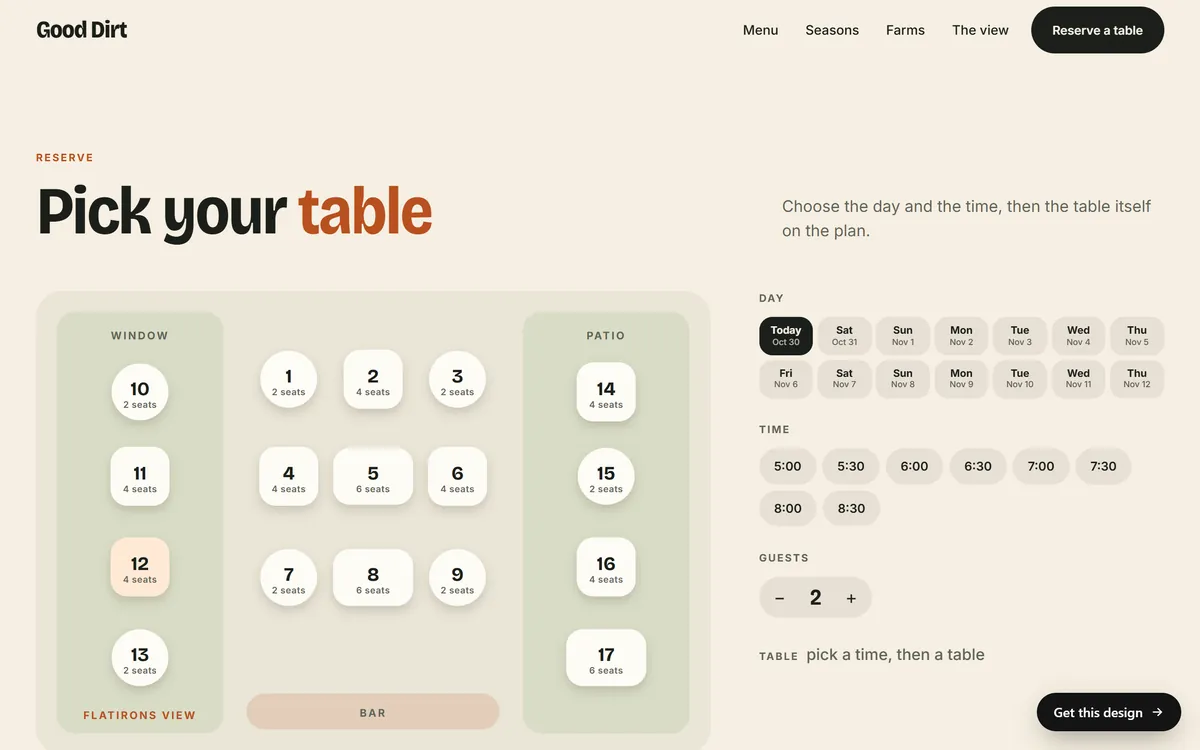
A reservation flow with a day, a time, a party size and a table. Each completed reservation is a result.
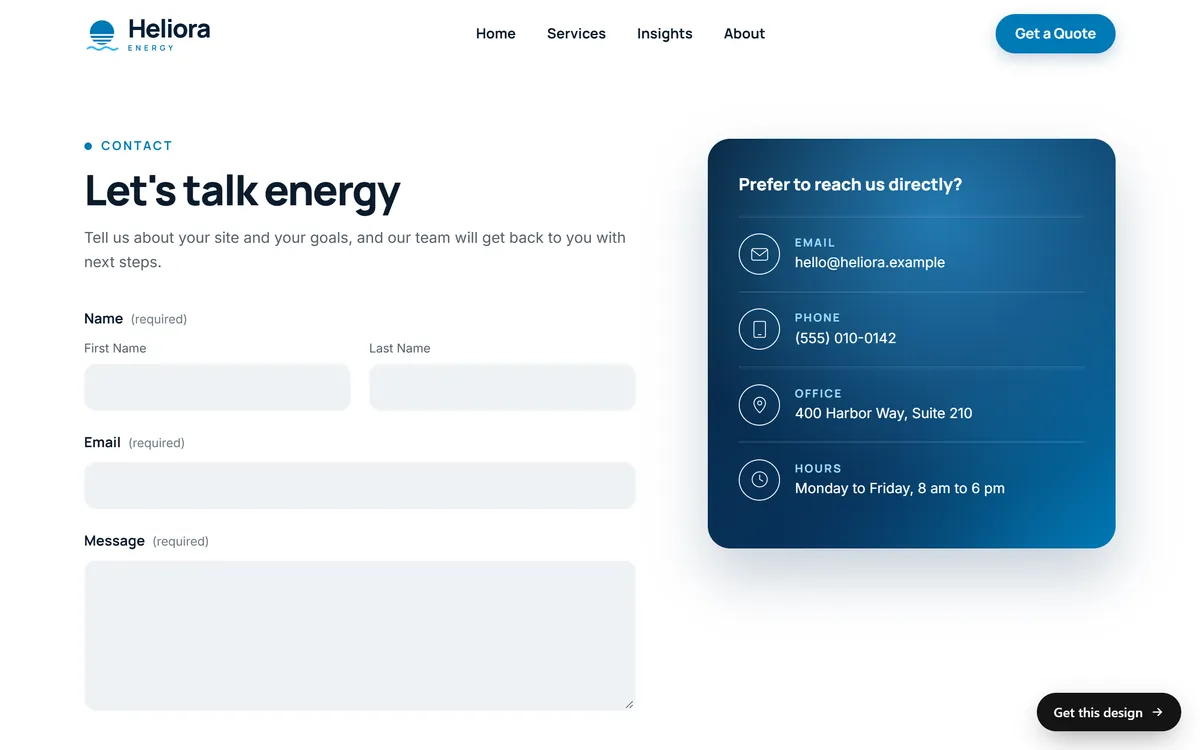
A contact page with a form and direct ways to reach the company. A form sent, an email or a call can each be counted, if you note where they came from.
The numbers, in plain words
- Impressions. How many times your ad was shown.
- Clicks. How many times people clicked or tapped it.
- Click-through rate (CTR). Clicks divided by impressions. It shows how well the ad pulls people in.
- Cost per click (CPC). What you spent divided by clicks.
- Conversions. How many results you got.
- Conversion rate. Conversions divided by clicks. It shows how well your page turns visitors into results.
- Cost per conversion, or cost per lead. What you spent divided by conversions.
- Return on ad spend, often shortened to ROAS. The sales that came from the ads divided by what you spent on them.
A worked example with made-up numbers
These numbers are invented, only to show the math. Suppose a month of ads cost $300, and the ads were shown 15,000 times.
- 450 people clicked. The click-through rate is 450 divided by 15,000, which is 3 percent.
- The cost per click is $300 divided by 450, about $0.67.
- 18 of those people sent a form. The conversion rate is 18 divided by 450, which is 4 percent.
- The cost per lead is $300 divided by 18, about $16.67.
- 6 of the 18 leads became customers, so each customer cost $50 in ads.
- If each customer paid $400, the sales were $2,400. The return on ad spend is $2,400 divided by $300, which is 8.
Be careful with that last number. It counts sales, not profit. You still have to subtract what it cost to serve those customers. This is why you need your own figures from the lesson on how much to spend.
What the numbers tell you
When something looks wrong, the numbers point to where to look.
- Few impressions. The budget may be too small, the audience or keywords too narrow, the ads not approved yet or the bids too low.
- Many impressions, few clicks. The ad does not match what people want. Look at the headline, the picture and the keywords or audience.
- Many clicks, few conversions. The problem is probably after the click. Look at the page, the offer, the form and how it works on a phone. On Google, check the search terms to see whether you are paying for the wrong searches.
- Many leads, few customers. Look at lead quality and at how fast you reply. Slow answers lose leads that were good.
- Rising costs. Competition, season or an ad that people have seen too often can all push costs up.
Free ways to measure results
You do not need to pay for software to start. These are all free to use.
- The ad platform's own reports. Google Ads and Meta Ads Manager show impressions, clicks, costs and the conversions you set up.
- Conversion tracking inside the platform. Once you set it up, the platform counts actions such as form submissions. Setting it up usually means placing a tag on your site, which is the owner's decision.
- Google Analytics. It shows where your visitors come from and what they do on your site. It calls the important actions key events.
- Campaign tags in your links. Short codes added to the end of a link, called UTM parameters, tell Google Analytics which ad brought a visit. Google offers a free campaign URL builder to make them.
- Your own records. A simple spreadsheet or notebook with the date, the source and what happened. Count calls, forms, bookings and walk-ins.
- A question for every customer. Add "How did you hear about us?" to your forms and ask it on the phone. Write the answers down.
- Offer codes. A word or code that goes with one campaign shows which ad pulled the customer in.
- Your booking or sales system. Reports there tell you what was sold, to whom and when.
- Your Google Business Profile. It shows calls and direction requests, although it cannot tell you which ad caused them.
Expect the platform's numbers and your own count to disagree a little. Platforms count results within a set window after a click or a view, privacy settings limit what they can see, and some people see an ad and return later by another route. Look for patterns over weeks, not perfect agreement on one day.
A simple results log
A notebook or a spreadsheet is enough. Make one row for each result, and write down five things: the date, the kind of result (call, form, booking or purchase), where it came from if you know, whether it became a customer and what that customer paid. At the end of the month, you can count the rows, add up the payments and divide your ad spend by the number of customers. It takes a minute a day, and it gives you numbers no platform can show you, because only you know who paid.
Who gets the credit
Say a person clicks a Google ad on Monday, sees a Facebook ad on Wednesday and books on Friday. Both platforms may count that booking as theirs, and each one counts it by its own rules. If you add the two reports together, you may be counting the same customer twice. Your own records show the real total. Use the platform reports to compare ads inside one platform, and use your own count to know how many customers the ads brought in all.
Mistakes when reading results
- Judging by clicks alone. Clicks are the cost side of the story, not the result.
- Trusting one day. Daily numbers jump around, and a bad Tuesday proves nothing.
- Changing everything at once. Then you cannot tell which change helped.
- Ignoring lead quality. Ten leads who never answer are worth less than three who buy.
- Forgetting to test the form. A form that does not send, or an inbox nobody checks, makes every result look worse than it is.
How long to wait before you judge
A day of results tells you almost nothing. Meta describes a learning phase that ends after roughly 50 results of the kind you chose, and Google says bidding can take longer to settle after your ads start. If your budget buys only a few results a week, you will need several weeks to see a pattern. Compare like with like, and remember that seasons change demand. A big edit to a campaign restarts the clock.
A weekly check that takes ten minutes
- Look at spend. Is it close to your budget?
- Look at results. How many conversions this week, and how many last week?
- Look at cost per result. Is it under the limit you set in your budget plan?
- Read what people did. On Google, open the search terms and add negative keywords. On Meta, read the comments and answer the messages.
- Test your own path. Open your ad's page on a phone, send the form and make sure it arrives.
- Write down what you changed. One line with a date is enough.
- Decide. Keep going, change one thing or pause.
A monthly look at the whole picture
Once a month, step back. Add up what you spent and how many customers you won, using your own records and not only the platform's. Divide the first by the second to get the cost per customer. Compare it with what a customer is worth to you. Then choose next month's budget and one thing to test. This is also the moment to ask whether the ads are the right place for your money at all.
When ads work but you cannot tell
Some results are hard to trace. A person may see your ad, call you the next day and never click. Another may search for your name a week later. Do not ignore these. Ask every new customer how they found you, write the answer down and look at the totals after a few weeks. A rise in calls on days when your ads run is a clue, even if no tool can prove it.
Counting results and your website
A result you can count needs a clear action to count. Every site we build includes contact forms, so visitors have an easy way to reach you and you have messages to count. It also includes texts written for your business and a mobile version, which help visitors who come from ads on their phones. When you are ready to build the pages your ads will point to, you can start your site.
Questions people ask
How do I know if my ads are working?
Compare what the ads cost with the results you counted: calls, forms, bookings or sales. If the cost per customer is lower than what a customer is worth to you, the ads are paying for themselves. Count results with the platform's reports and with your own records.
What is a good click-through rate?
It varies by platform, industry and type of ad, so a number from somewhere else may not fit you. Record your own rate and try to improve it over time. A low rate often means the ad does not match what people want.
What is a good conversion rate?
It depends on your industry, your offer and the kind of traffic. Treat your first weeks as a baseline, then change one thing at a time on your page and see whether the rate rises.
What is return on ad spend?
It is the sales that came from your ads divided by what you spent on them. A result of 4 means $4 of sales for every $1 of ads. It counts sales, not profit, so check it against your costs.
What is the difference between cost per click and cost per lead?
Cost per click is what you pay for each visit. Cost per lead is what you pay for each person who contacts you. The second is the one that matters more, because a click is not a customer.
How long before ads start working?
Ads can show within a day of approval, but results take longer to read. Plan on several weeks of data before you judge, and allow time again after a big change.
How do I track phone calls from ads?
Ask every caller how they found you and write it down. Platforms also offer ways to count calls that start from an ad, and the options depend on your account, so check the current ones in your ad account.
Why do the numbers in Google Ads and Google Analytics differ?
They count different things in different ways. One counts what happens in the ad, the other counts visits and actions on your site, and privacy settings can hide some activity. Look at the trend and not at a perfect match.
Are likes and reach important?
They can show whether people notice you, but they do not pay your bills. Judge ads by the results that lead to money, such as leads, bookings and sales.
What if I have no website analytics set up yet?
Start with the platform's reports and your own records, such as a form count and a question for every customer. Then add analytics as soon as you are ready. It makes results much easier to read.
Want a website that does all of this? Start your site