What pages a small business website needs
Most small business sites start with four pages: Home, Services, About and Contact. See what goes on each one, which extras are worth adding and what to leave out.
Most small business websites start with the same four pages: Home, Services (or Products), About and Contact. Add a privacy policy and you have a solid first site. Everything else depends on what you sell and how people buy from you. This lesson explains what goes on each page, which extra pages are worth adding and how many pages to start with. The examples come from Heliora, a concept energy company site we designed.
A page exists to answer one question
Every visitor arrives with a question in mind. Is this the right business for me? What exactly do you do? Can I trust you? How do I reach you? Each page of your website should answer one of those questions, and end by pointing to a next step. If you cannot say which question a page answers, you probably do not need it.
The four pages almost every business needs
Home
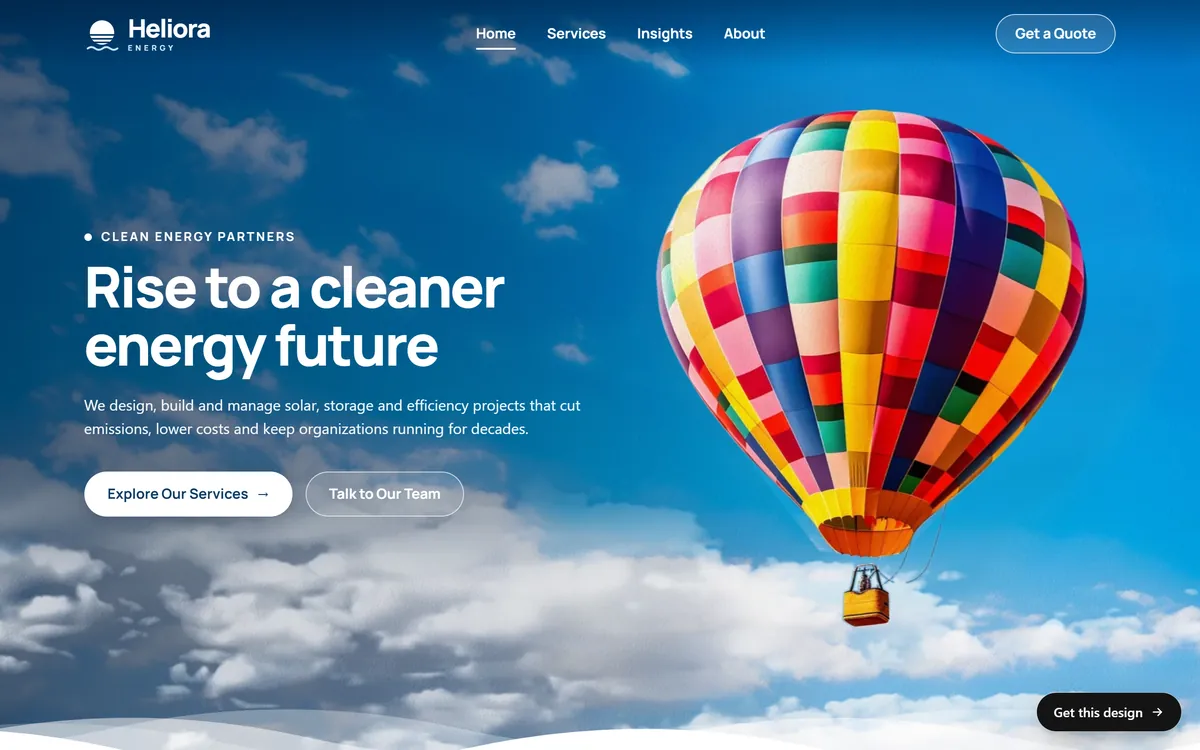
The home page is your front door. In the first screen, a visitor should learn who you are, what you do, who you do it for and where, without scrolling. Add one main button, such as "Get a quote" or "Book a visit". Below that, show proof, like reviews, numbers and certifications, then a short look at your main services and your contact details. The home page is not the place to tell the whole story. Its job is to send people to the right page.
Services or Products
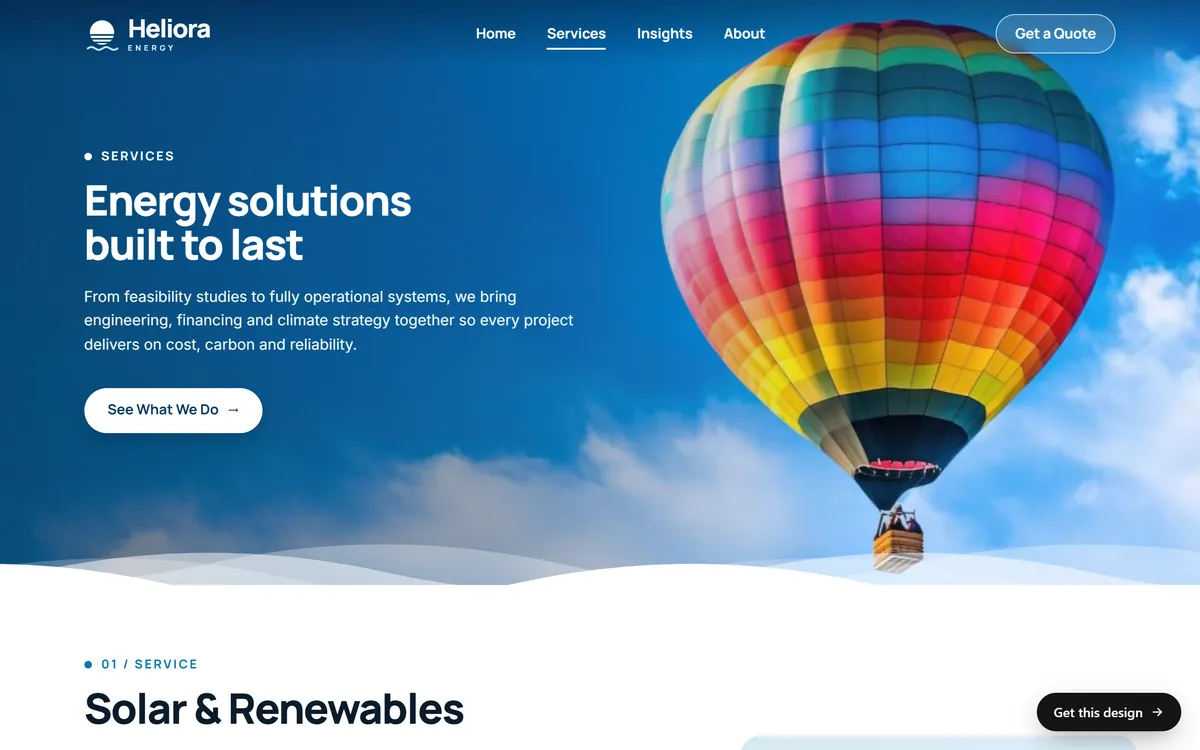
This is the page that sells. List what you offer, and for each item say what it is, who it is for, what is included and what happens next. If you can, show a price or a "starting at" price, or at least explain how pricing works. People who find no hint of cost often leave. If you have several services, give your main ones their own pages. Each page can then answer one search, such as "water heater repair in Tampa", and each can be linked from your ads and posts.
About
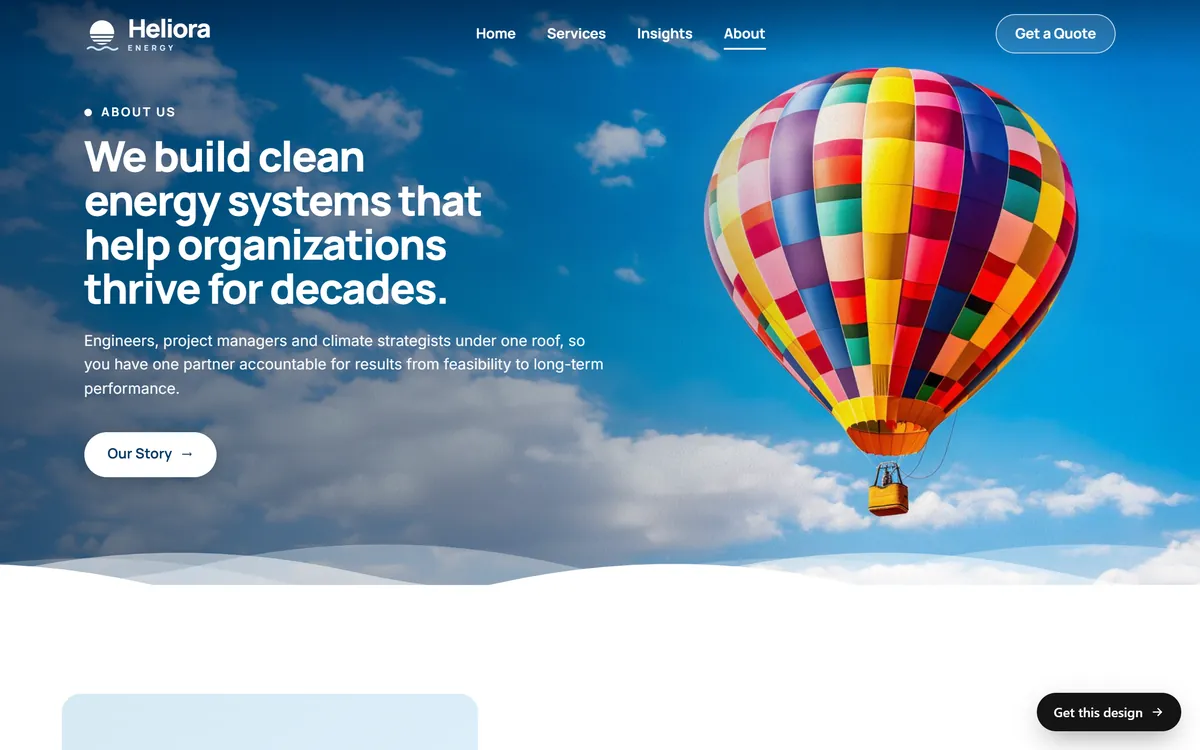
People buy from people. The About page tells them who is behind the business: your story, why you do this work, how long you have done it, your training, your team and the area you serve. Use real photos of real people, not stock pictures. Keep the customer in mind too, and finish by explaining what your experience means for them.
Contact
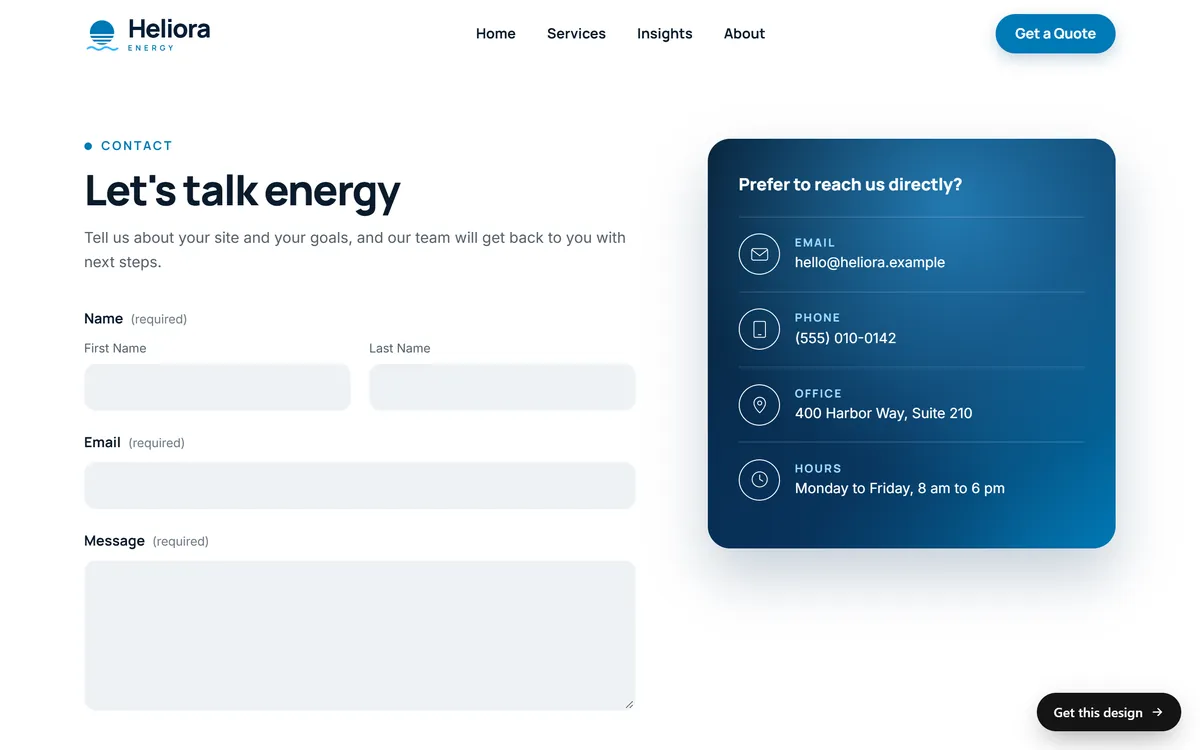
Make it easy. Show your phone number, email, address or service area and your hours. Add a short form with only the fields you need: name, email or phone, and a message. Make the phone number tappable on mobile. If your customers prefer text or WhatsApp, add those too. Tell people what happens after they write, for example "We reply within one business day". Use the same name, address and phone number that you use on your Google Business Profile.
A fifth page: your privacy policy
If your site collects names or emails through a form, or uses analytics or ads, you need a privacy policy that says what you collect and why. Many analytics and ad tools ask for one in their terms, and some state laws, such as California's, require one for sites that collect personal information from residents. Ask a lawyer for the exact wording. A later lesson covers privacy and cookies in more detail. If you sell products, add pages for shipping and returns as well.
Pages that depend on your business
- FAQ. Worth it if customers ask you the same questions again and again. Each answer saves a phone call.
- Reviews. Real quotes with a first name and a town, plus a link to your Google reviews.
- Pricing or packages. A clear page builds trust and filters out people who are not a fit.
- Gallery or portfolio. For visual work, like construction, design, photography and food.
- Menu. For restaurants and cafes. Write it as text that people and Google can read, not only as a photo or a PDF.
- Booking or quote request. A page whose only job is to take the request.
- Shop. If you sell online, with a page for each product.
- Blog or news. Heliora calls its version Insights. It is worth it only if you will publish real advice on a regular schedule.
- Service areas. One page per city or area if you serve several towns, with real information on each.
- Team. Useful when clients hire the person, as with lawyers, therapists and consultants.
- Careers. Only if you are hiring.
Pages by type of business
- Restaurant or cafe. Home, Menu, Reservations or Order, About, Location and hours, Contact.
- Trades and home services. Home, one page per service, Service areas, Projects, Reviews, About, Get a quote.
- Professional services. Home, one page per practice area, Team, Resources, Contact.
- Health and wellness. Home, Services, Team, Your first visit, Insurance or pricing, Booking, Contact.
- Store or product brand. Home, Shop, a page for each product, About, Shipping and returns, Contact.
- Lodging, tours and experiences. Home, Rooms or trips, Gallery, Availability and booking, Good to know, Contact.
What every page needs
- A clear heading. One main heading that says what the page is about, in the words your customers use.
- A short opening. Two or three lines that answer the question the visitor came with.
- One next step. A button or a link to the most useful next page, such as "Get a quote" or "See our services".
- Your contact details. A phone number in the header or the footer, so nobody has to hunt for it.
- The same menu. It should sit in the same place on every page, so visitors never feel lost.
- A readable phone version. Many visits happen on phones, so check every page on yours.
The path a visitor takes
Picture someone who needs a plumber. They search, tap a result and land on a page. It might be your home page, or a page about the exact service they typed. They read the first screen, scroll for proof, look for a price, search for your phone number and then call or fill in a form. If one step on that path is missing, you lose them.
Walk through your own list of pages with that path in mind. Ask five things about each page:
- Can a stranger tell in five seconds that they are in the right place?
- Is there proof nearby, such as reviews, photos or years in business?
- Is there some idea of cost, or at least of how you price?
- Is your phone number or a contact button visible without scrolling back to the top?
- Does the page end with a clear next step?
How many pages to start with
Most small business sites can launch well with five to eight pages. A one-page site, where every section sits on one long page, can work for a very simple business with one service, one town and one action. More pages help you rank for more searches and give each service its own space. But a page with nothing to say hurts you more than a missing page. Start with the pages you can fill well, and add more as the business grows.
Name your menu with plain words
Use the words people expect: Home, Services, About, Contact. Clever names like "Our Journey" make visitors stop and think. Keep the main menu to five to seven items, and end it with a button for your main action, such as "Get a quote". Put less important pages, like the privacy policy, in the footer at the bottom of every page.
What to leave out
- "Coming soon" pages. They promise something you have not delivered.
- An empty blog. A latest post from three years ago tells visitors that the business is asleep.
- A "Welcome" page before the home page. It adds a click and nothing else.
- Ten near copies of one page. One strong page beats ten thin ones.
- Pages you will not keep up to date. Old events and expired promotions hurt your credibility.
- Pages with only a photo and a sentence. If there is little to say, make it a section of another page.
How to decide your own list
- Write down every question a customer asks you before buying.
- Group the questions by topic: what you do, how much it costs, who you are, how to reach you and proof that you are good.
- Give each topic a page, or a section of a page.
- Cross out any page for which you cannot write 150 honest words or find one good photo.
- Put the pages in the order a visitor thinks: what you do, who you are, how to reach you.
Then run a quick test. Hand your list to a friend who knows nothing about your business and ask them to say what each page does, judging only by its name. If they hesitate on one, rename it or merge it with another page.
How Good Sites Only builds your pages
Each of our designs was made for one kind of business, with its pages, its sections and its tone already thought through, so you do not start from a blank page. We turn it into yours with your brand, your photos and your texts. Our packages are sized by the number of pages: Basic up to 15 pages, Pro from 15 to 30 and Large more than 30. See how the pages of different businesses look in our designs.
Questions people ask
How many pages should a small business website have?
Most start well with five to eight pages. The U.S. Small Business Administration lists five essential pages and treats others, such as an FAQ, as recommended extras. Add pages when you have something real to say.
What is the most important page on a website?
For most visitors, the home page. But if you run ads or want to rank for a specific service, that service page matters just as much, because many people will arrive on it first.
Do I need an About page?
Yes. It is one of the first places people go to decide whether to trust you. Show who you are with real photos, your story and your experience, and finish with a way to get in touch.
Do I need a blog?
No. A blog helps only if you publish useful posts on a regular schedule, with real advice that your customers want. An abandoned blog does more harm than none. Start with your core pages, and add a blog later if you can keep it going for a year or more.
Do I need a separate page for each service?
For your main services, yes. A separate page lets you explain one service well, answer one search and link to it from ads and posts. Small related services can share a page, as long as each one has its own heading and its own short explanation.
What goes on a one-page website?
A first screen with your promise and a button, your services, a few reviews, a short About section, your hours and area, and a contact form. Each section does the job of a page.
Do I need a privacy policy page?
If you collect emails, use forms, analytics or ads, yes. Many tools require one in their terms, and some state laws do too. Ask a lawyer for the exact wording.
Should my contact page have a form or just an email?
Offer both. A form is easy for people who do not want to open their email app, and it lets you ask for useful details. Show a phone number and an email as well, for people who prefer them.
Where do prices go?
On your services page, or on a pricing page if you have packages. If you cannot show exact prices, show a "starting at" price or explain what affects the cost. Hiding all information makes people leave.
Can I add pages later?
Yes, and that is the best way to grow. Add a page when you launch a new service, enter a new town or notice a question that customers keep asking. A good site is never finished, it is kept up as the business changes.
Want a website that does all of this? Start your site