What to post: 30 ideas for small businesses
Running out of things to say is the most common problem. Here are thirty ideas you can make with your phone, in six groups.
The hardest part of social media is not the camera. It is deciding what to say. This lesson gives you thirty ideas for posts that small businesses can make with a phone, grouped into six kinds of posts. It also shows how to choose the ideas that fit your business, how to mix them across a week and what to leave out.
Pick ideas with three filters
Not every idea fits every business. Before you use one, run it through three quick questions:
- Is it useful or interesting to my customer? A good post teaches something, shows something or makes someone smile. A post that only says "buy from us" is easy to scroll past.
- Can I make it in fifteen minutes with my phone? If an idea needs a studio, a script and a day of editing, you will not keep it up. Choose ideas you can repeat.
- Is it true? Show real work, real people and real results. Never invent a review, a story or a claim.
Read through the list below once, mark the ten that feel easy, and start there. You do not need all thirty. You need a handful that you can repeat for months.
Thirty post ideas in six groups
Behind the scenes (ideas 1 to 5)
People trust what they can see. These posts show the real business behind the name.
- A day in the life. Photograph or film a normal workday, from opening up to closing. Short clips of real work show that real people run the business.
- Your workspace. Show where the work happens: the kitchen, the workshop, the van or the desk. People like to see the place behind the product.
- How it is made. Show one step of your process, from raw material to finished piece. Keep it to one step per post and you will have a series.
- Meet the team. Introduce one person at a time with a name, a role and one friendly detail, such as a favorite tool or a favorite recipe.
- Your story. Say why you started the business in four or five sentences, with a photo of you at work. Share it again from time to time, because new followers have not seen it.
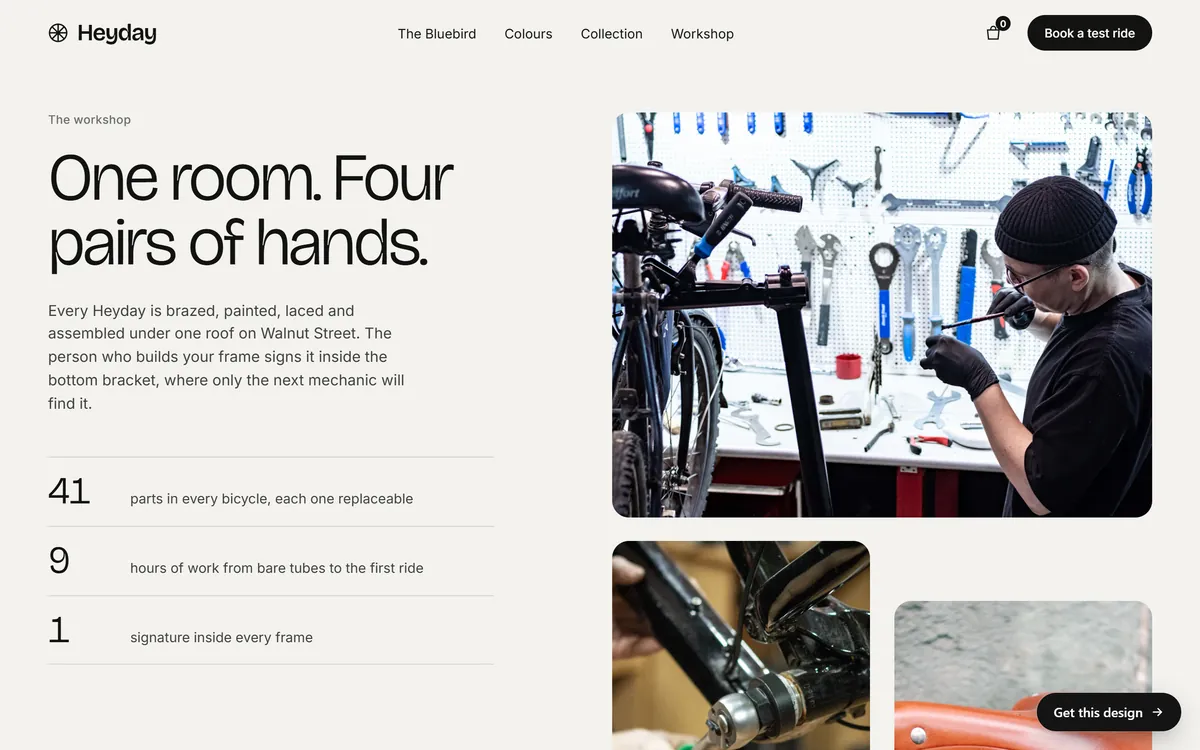
Teach something (ideas 6 to 10)
Teaching shows that you know your field, and it answers questions before customers ask them.
- A common question, answered. Take the question customers ask most and answer it in one post. Later you can send the link instead of typing the same answer again.
- A mistake to avoid. Name one mistake you often see in your field and say how to avoid it. Keep the tone kind, not scolding.
- A quick how-to. Show a small task in three steps, like how to care for a plant, clean a boot or check a tire.
- Myth or fact. Pick a common belief in your trade and say whether it is true. Explain it in two or three sentences.
- A checklist. Give people a short list they can save, like "five things to check before you hire a roofer." Lists are easy to read and easy to save for later.
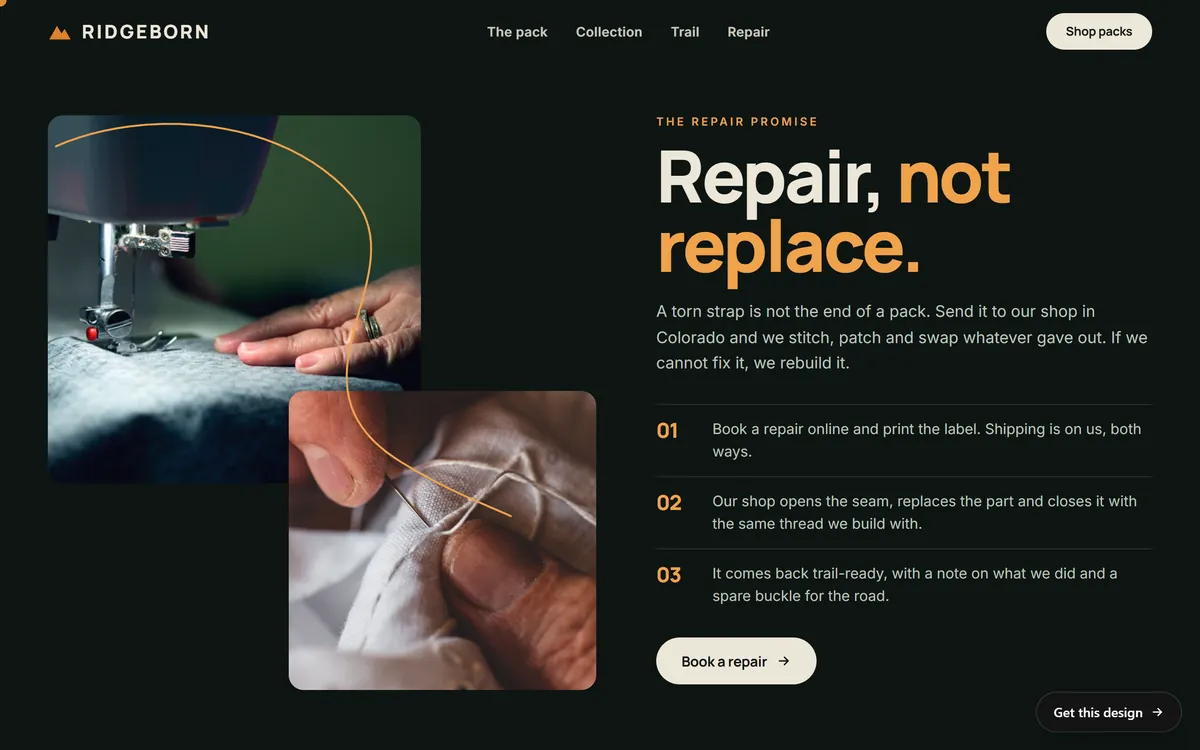
Show your work and your products (ideas 11 to 15)
This group is the closest to selling, and it works best when it also shows care and quality.
- Before and after. Show the change you made: a cleaned floor, a painted room, a finished haircut. Ask for permission when a person or a private home appears in the photo.
- A product in use. Show it in real life, not only on a plain background. People want to picture it in their own hands.
- Something new. Announce a new product or service in one clear photo, with its name and how to get it.
- A best seller, and why. Explain in two sentences why customers keep coming back to it.
- A close-up detail. Zoom in on a texture, a stitch, a weld or a frosting swirl. Details show quality without bragging.
Show your customers (ideas 16 to 20)
Customers are the best proof you have. Always ask before you share anything about them.
- A customer review. Share a real review, with the customer's permission and the name or initials they prefer. Never edit it, and never invent one.
- A customer story. Tell in three sentences how you helped one customer. Ask first, and keep private details out.
- A customer photo. Share a photo a customer sent you, with credit and with their okay.
- A question for your followers. Ask something easy that relates to your work, like "Which would you pick?" Then answer every reply.
- A thank-you. Thank a customer, a supplier or the neighborhood. A simple, sincere thanks fits any business.
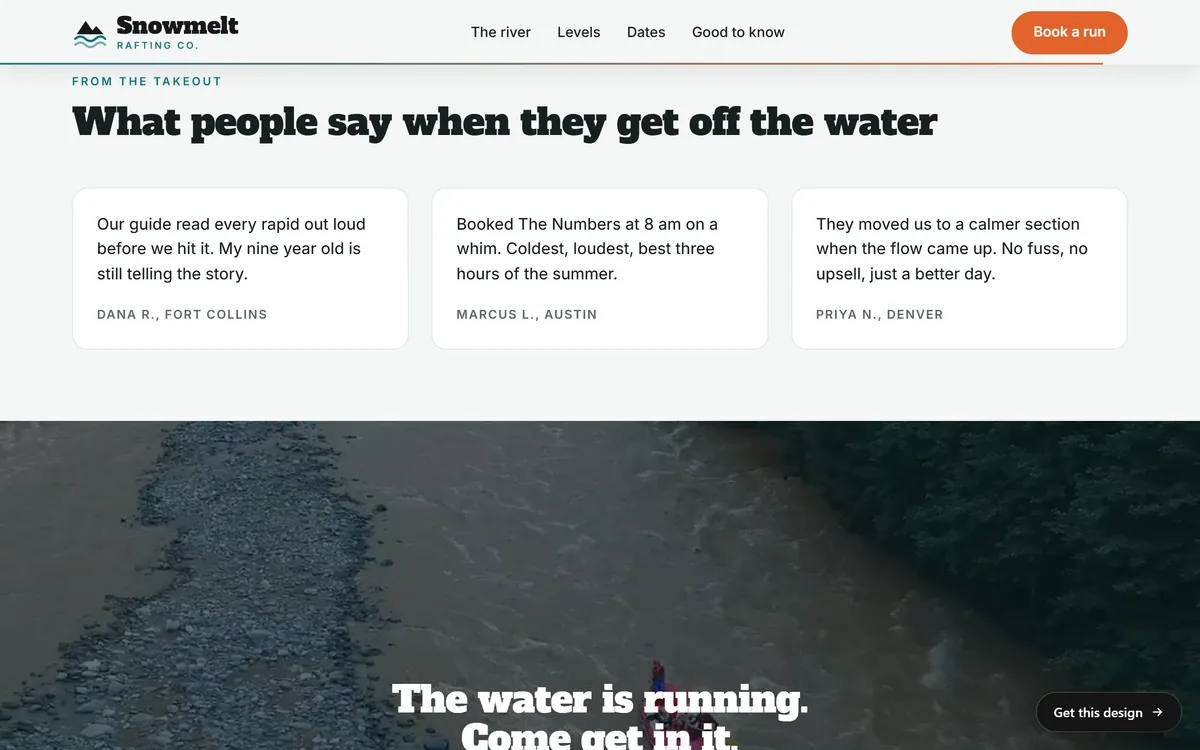
Be part of your community (ideas 21 to 25)
Local ties build trust, and they give you something to say when business is quiet.
- A local event. Share an event you attend, host or sponsor in your town, with the date and the place.
- The people you work with. Introduce a supplier, a farm, a partner or a neighboring business. Say who they are and why you chose to work with them.
- A seasonal post. Tie your work to the time of year: back to school, getting ready for winter, summer trips. The calendar gives you topics for free.
- A holiday or a cultural date. Wish your customers well on dates that matter to them, including dates from their cultures and languages, when it feels natural and true to you.
- A cause you support. Show something you really do for your community, such as a donation or a volunteer day. Do it only if it is true, and do not use it as a sales pitch.
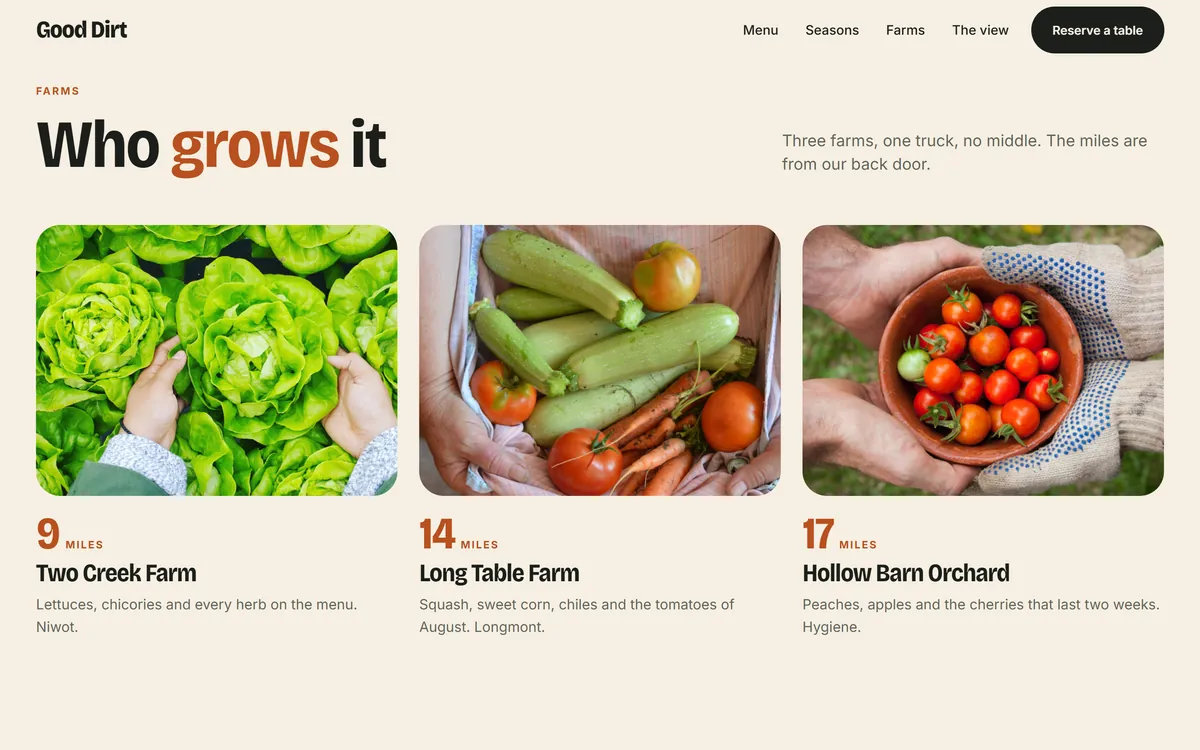
Invite people to act (ideas 26 to 30)
Some posts exist to move people from watching to doing. Use them, but not in every post.
- A special offer. Announce a discount or a gift with a clear end date. Use offers sparingly, so that they stay special.
- Hours and changes. Post new hours, holiday hours and closures. It feels dull, but it saves customers a wasted trip.
- How to book or order. Remind people how to book or order, and how far ahead they should do it.
- A giveaway or contest. Platforms have rules for contests, and so do states. Read the platform's rules before you start, and ask a professional if you are unsure.
- One clear next step. Ask for one thing: call, book, visit or sign up. A post that does not say what to do next leaves people guessing.
A weekly mix that works
Posting only offers tires people out. Posting only photos of your lunch does not sell anything. Mix the groups. As a rule of thumb, out of every ten posts, aim for about four that teach or help, three that show your work, two that show people and one that asks for action.
This is a guide, not a law. Watch which posts get questions, replies and visits, and adjust. The lesson on measuring what works, later in this series, shows how.
Here is how a bakery might use the ideas in one week, with three posts. On Monday, a short clip of the morning bake, from idea 3. On Wednesday, a post that answers a common question, such as how to store bread so it stays fresh, from idea 6. On Friday, a customer photo with a thank-you and the weekend hours, from ideas 18 and 27. That is three posts, three kinds and about fifteen minutes each. A plumber, a dentist or a boutique would pick other ideas from the same list, but the shape stays the same: show, teach, thank and tell people what to do next.
Write captions in three parts
A photo or a clip gets attention. The caption turns it into a message. Use three parts:
- A first line that earns the next one. Many networks cut a long caption after a line or two. Put the most interesting words first.
- One or two sentences of value. Say what the post shows, why it matters or what to do with it.
- One next step. "Message us," "Book at the link in our profile," "Tell us your favorite."
Write the way you talk to a customer at the counter. Short sentences, plain words, no jargon.
Keep an idea bank so you never start from zero
Open a note on your phone called "Post ideas." Whenever a customer asks a question, something funny happens or you finish a good job, add one line. Take a few extra photos at work, even if you do not know yet where you will use them. In five minutes a day you build a bank that fills a month. When you sit down to plan, the ideas are already waiting.
What to leave out
- Private customer details. Names, addresses, health details and photos of people or homes need permission.
- Photos and music you do not own. Use your own photos and video, or material you have the right to use. The lesson on short video covers music.
- Claims you cannot back up. "Best in town" and "guaranteed results" need proof. Say what you really do.
- Posts written while angry. If you would not say it to a customer's face, do not post it.
- Only ads. If every post asks for a sale, people stop watching.
Your posts need a place to point to
Many of these ideas end with a next step: book, order, read more, ask a question. That step happens on your website. A question you answered in a post can become an entry on your questions page, a how-to can become a short guide and a customer story can become a page about your work. When we build a site, a mobile version and contact forms are included, and you can upload your own photos, so the pictures you take for posts can also be used on your pages. See our designs to find the look that fits your kind of business.
Questions people ask
What should a small business post on social media?
Post a mix of things that help, things that show your work, things that introduce people and a few that ask for action. The thirty ideas in this lesson give you a starting list.
How often should a small business post?
There is no official number. Choose a pace you can keep for months, such as two or three posts a week, and stick to it. Steady posting beats bursts followed by silence.
What should I not post on my business account?
Leave out private customer details, photos and music you do not have the right to use, claims you cannot prove and anything written in anger. Avoid posting only ads.
How do I come up with content ideas every week?
Keep a running note on your phone. Add the questions customers ask, the jobs you finish and the small events at work. Then pick from that list when you plan your week.
Do I have to show my face?
No. You can show hands at work, products, places, results or text on screen. People like to meet the owner now and then, but it is your choice.
How long should a caption be?
As long as it needs to be, and no longer. Put the most important words in the first line, since many networks cut long captions after a line or two.
Should I use hashtags?
A few that describe the post and your place can help people find it. Platforms change their advice on hashtags often, so check the current guidance of the network you use.
Can I repost my customers' photos?
Yes, if you ask first and give credit. Keep the permission in writing, for example in a message, so you can show it later.
What type of post brings the most customers?
There is no single type. Posts that answer real questions and show real work tend to be a good base. Try a few kinds for a month, then keep the ones that bring messages and visits.
Should I post the same ideas on every network?
You can reuse ideas, but adjust the format to each network: vertical video here, a longer professional note there. Keep the message the same and change the shape.
Want a website that does all of this? Start your site