Short video for beginners
You do not need a studio or a script. You need a phone, a window and a simple plan for your first ten videos.
Short video is the easiest way to show what you do, and the hardest to start. This lesson gets you past the first fear: what to film, how to shoot with only your phone, how to add text and sound, and how to make your first ten videos, even if you never want to be on camera.
Short video is a good place to start
A short video is a vertical clip, usually shot on a phone, that plays on your screen in a few seconds or a minute or so. You will see them on TikTok, on Instagram as Reels, on YouTube as Shorts and on Facebook. Each network has its own rules about how long a video can be, and those limits change often, so check the current limit in the app before you plan a long clip. For a beginner, shorter is easier anyway.
Video works for small businesses because it shows things a photo cannot: how something is made, how it moves, how big it is, how a place feels. A visitor learns more about you in fifteen seconds of real work than in a paragraph of text.
Start with what you already do
You do not need to invent a show. You need to point your phone at your normal work. Here are ten first videos that most businesses can make this week:
- How it is made. One step of your process, from start to finish.
- Before and after. A messy start and a clean result, in two clips.
- A quick tip. One thing a customer can do today, shown in three moves.
- A question answered. The question customers ask most, answered in your own voice.
- A tour. Walk through your shop, kitchen or workspace in one slow take.
- Packing an order. Show an order going into a box, with a note, a ribbon or a thank-you.
- One product, three angles. Front, side and close-up, with a short caption.
- A day in the life. Five clips from one workday, each three or four seconds long.
- A team moment. Introduce one person and what they do best.
- A customer moment. With permission, a happy customer picking up an order or trying a product.
What you need
You already own most of it. This is the full kit:
- A phone with enough free storage to hold a few videos.
- Soft light. A window is the best light you will find. A lamp is the second best.
- Something steady. A stack of books, a shelf or a small tripod keeps the picture still. A shaky video looks like a mistake.
- A clean lens. Wipe it with a soft cloth. A smudged lens makes every clip look foggy.
- Clear sound. Film where it is quiet, and stand close to the phone. If you talk a lot, wired earbuds with a microphone can help.
- An editor. The editor inside the network or the one that came with your phone is enough to start.
Film vertical, hold steady and keep one idea per clip
These habits matter more than any equipment:
- Hold the phone upright. Short video is made for tall screens. A sideways clip leaves black bars.
- Keep still. Use two hands, tuck your elbows against your body or prop the phone. Move the phone only when you want to show something on purpose.
- Put the light in front. Face the window, with the window behind the camera. Avoid standing with a bright window behind you, because you will turn into a dark shape.
- Shoot in short pieces. Film three to six clips of a few seconds each, instead of one long take. Mix a wide view, a medium view and a close-up.
- Leave room at the edges. Apps put buttons, names and captions over parts of the screen. Keep your key subject and your text away from the top and the bottom.
- Film a little extra. Start recording a second before the action and stop a second after. It makes editing easier.
Open with the best moment
People decide quickly whether to keep watching. Do not waste the first seconds on "Hi everyone" or a logo. Open with the most interesting moment: the finished loaf, the repaired engine, the question you are about to answer. Then show how you got there.
A simple structure works for almost any video:
- Hook. The most interesting image or the question, in the first seconds.
- Show. The steps, the work or the answer, in short clips.
- Next step. One thing to do: visit, book, message or follow.
For example, a plumber might open with a leaking pipe, show the three steps to stop the leak and end with "Need help? Message us." A bakery might open with a loaf cut in half, show the dough and end with "Order by Thursday."

Add text and captions so it works with the sound off
Many people watch video in places where they cannot turn the sound on, and some viewers are deaf or hard of hearing. Add words to your video:
- A short line of text in the first seconds, which says what the video is about.
- Captions for anything you say. Many networks can create captions for you. Read them and fix the mistakes, because automatic captions often get names and trade words wrong.
- Readable text. Use large letters, strong contrast and no more than a few words at a time.
If your customers speak English and Spanish, you can write the captions in one language and the post text in the other, or make two versions of the same clip.
Music and sound: use only what you may use
Music makes a video feel finished, but it is also where businesses run into trouble. Songs belong to artists and record companies, and a business account is not allowed to use every song in the app.
- TikTok has a Commercial Music Library of tracks cleared for business use. When you use a business account, the sound picker narrows to those cleared tracks. On a personal account the full catalog is open, but using those songs to promote a business carries copyright risk.
- Instagram says that some songs in its music library may not be available depending on your account type or your country. It points people to the Sound Collection from Meta, a library of free music that can be used in videos.
- Your own voice and the natural sound of your workplace are always safe. A bakery oven, a coffee grinder and a river are good sound.
Rules change often, so read the current help page of each network before you use music in a video, and never use a song you do not have the right to use. If you promote a video as an ad, the rules can be stricter again.
Edit in ten minutes
- Trim. Cut the start and the end of every clip until only the good part is left.
- Cut dead air. Remove pauses, "um," and moments where nothing happens.
- Order the clips. Put the best moment first, then the steps, then the result.
- Add text and captions. Check them against the words you say.
- Pick a cover. Choose a frame that is clear when small. Many networks let you pick it.
- Write the caption. One or two sentences and one next step.
- Watch it once on your phone, with and without sound, before you post.
Five mistakes beginners make with video
- A long introduction. Start with the result or the question, not with your name.
- A shaky, sideways picture. Hold the phone upright and prop it when you can.
- No text. Without words on screen, a silent viewer cannot follow the clip.
- Music you may not use. A popular song is not free for business just because everyone uses it.
- Quitting after one video. Your first videos are practice. Judge your first ten, not your first one.
Here is a sample for a hair salon. Hook: a photo of a tired haircut and the line "Time for a change?" Show: three clips of the cut, the color and the finish. Next step: "Book at the link in our profile." It takes one visit and a few minutes with the phone.
If you do not want to be on camera
Many good videos never show a face. Try one of these:
- Hands only. Film your hands working, from above or from the side.
- Product only. Show the thing, turning slowly or being used.
- Voice over. Record yourself talking while the clips play.
- Text on screen. Let short lines of text tell the story.
- A teammate. Ask a person who likes the camera to present.
- Time-lapse. Speed up a long job, like painting or baking, into a few seconds.
Ask permission and respect privacy
Before you post a video, ask the people in it. That means customers, employees and especially children. Do not film private paperwork, screens with personal details, license plates or a customer's home without permission. If you are not sure whether you need a written release, ask a professional.
Film a batch, then post across the week
Do not film one video at a time. Pick one afternoon, set up a corner with good light and film five or six clips in a row. Then edit them together and post one at a time over the next days or weeks. The next lesson shows how to plan a month of posts in one hour, so your video work and your calendar fit together.
Your website can hold your best clips
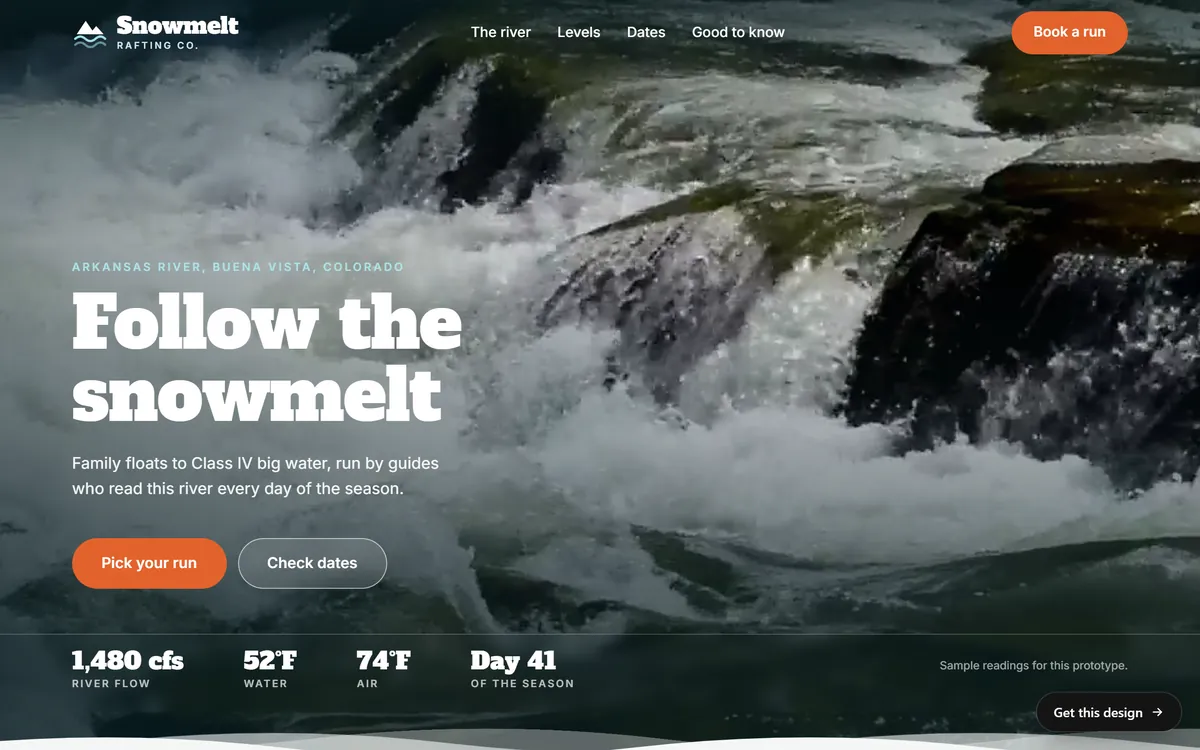
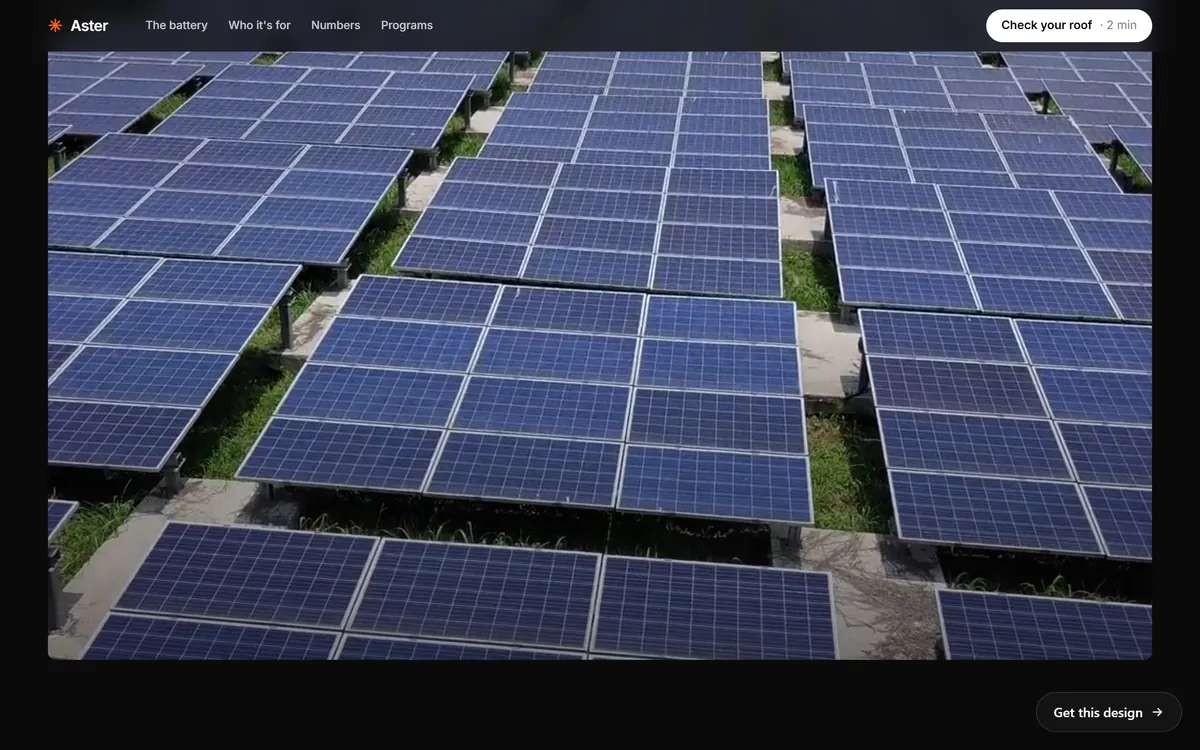
A short video that works on social media can also work on your website. Several of our designs have a video band at the top of a page, like the ones in the pictures above. You can upload your own photos and files in any format when we start a project, and the site is built with a mobile version, so the page works on a phone. When you are ready, you can start your site.
Questions people ask
How do I start making short videos for my business?
Pick one of the ten first videos in this lesson, film it with your phone in good light and keep it short. Add a line of text, check it on your phone and post it. Repeat with the next idea.
What equipment do I need to make short videos?
A phone, soft light from a window, something to keep the phone steady and a clean lens. Clear sound helps, so film somewhere quiet. You can add a tripod or a microphone later.
How long should a short video be?
Each network sets its own limits, and they change often, so check the app before you plan. As a beginner, aim for short clips where every second has a reason to be there.
Do I have to show my face?
No. You can film your hands, your products, your place, a time-lapse or use text on the screen. Many good business videos never show a face.
Can I use any song in my business videos?
No. A business account cannot use every song in the app. TikTok offers a Commercial Music Library for business use, and Instagram points to its Sound Collection, a library of free music. Check the current rules of each network before you use music.
How do I add captions to my videos?
Many networks can generate captions for you. Turn the option on, then read the captions and fix the mistakes before you post. You can also type your own text on screen.
Can I post the same video on Reels, TikTok and YouTube Shorts?
You can reuse the same clip, which saves time. Check the length, the music rules and where the text sits on each platform, because each one is a little different.
What should my first video be about?
Something you already do every day: how an item is made, a quick tip or a tour of your workspace. Choose the one that takes the least preparation.
How often should I post videos?
Choose a pace you can keep, such as one video a week, and build from there. Filming several clips in one session makes a steady pace much easier.
How do I get better at video?
Make your first ten videos, then watch them in order. You will see what improved: steadier shots, better light, stronger first seconds. Keep what worked and change one thing at a time.
Want a website that does all of this? Start your site