Privacy and cookies: what your website must have
Privacy rules come from several places, and a small site can fall under them. See what to publish, what to check and when to call a professional.
If your website collects names, emails or any other personal information, privacy rules can apply to you, even if you run a very small business. This lesson explains in plain words what a small business site usually needs: a privacy policy when you collect personal information, and cookie consent where the law or your tools require it. It is general information, not legal advice.
Privacy rules come from several places
This lesson gives you the general picture. Laws change and differ from state to state, so any legal question about your own business belongs with a lawyer or another qualified professional.
Privacy rules for a small business website do not come from one source. They come from several.
- Federal rules for specific topics. Two common ones are the rules for the personal information of children under 13, known as COPPA, and the rules for commercial email, known as CAN-SPAM.
- State laws. California is the best known, with its online privacy policy law and its consumer privacy act. Other states have passed privacy laws of their own, and the details differ.
- The rules of the tools you use. Google, for example, sets conditions for businesses that use Google Analytics and its advertising features.
- Rules abroad. If you serve visitors in Europe, European consent rules can matter, and Google's own tools ask for consent from visitors there.
What counts as personal information on a small business site
You collect personal information whenever a visitor gives it to you or a tool records it. On a typical small business site that includes:
- Form fields. A name, an email, a phone number or an address typed into a contact, booking or quote form.
- Sign-ups. An email address entered for a newsletter or a welcome offer.
- Booking details. A date, a party size and the contact details that come with them.
- Messages. Anything typed into a chat window or a contact form.
- Online identifiers. The small identifiers that analytics and advertising tools store in a visitor's browser.
Payment card numbers are different. They should go straight to a payment service and never be stored on your own site or in your inbox.
Take stock of what your site really collects
You cannot describe your practices if you do not know them. Spend an hour on this check and write down the answers.
- List every form. Contact, booking, quote, newsletter, account. What does each one ask for?
- List every tool. Analytics, maps, chat, video, booking, payments, email service, social buttons, advertising tags.
- For each tool, note what data goes to it. Who receives it, and for what purpose?
- Check the cookies. Your browser's settings or developer tools show the cookies a site sets. Ask whoever built the site if you are not sure.
- Note where the data ends up. Your inbox, a spreadsheet, a customer list, an email platform.
A privacy policy tells people what you do with their information
A privacy policy is a plain page on your site that explains what information you collect, why, and what you do with it. California's online privacy law is clear on one point: sites and online services that collect personally identifiable information from Californians must display a privacy policy prominently. A website reaches people in every state, so publishing one whenever the site has a form, a sign-up or analytics is the common and sensible practice.
What a good policy covers
- What you collect. The categories of information, such as contact details or booking details.
- Why you collect it. To reply to an inquiry, to confirm a booking, to send a newsletter.
- Who you share it with. The outside services that receive it, such as your email platform or your payment service.
- How people can review or change it. And how to ask you to delete it.
- How to contact you. A real email address or form.
- The effective date. So people can see when it was last updated.
Where it goes and how to keep it honest
Link the policy from the footer of every page, so people can find it from anywhere. Then keep it true. If you add a new tool, such as a chat widget or an advertising tag, update the policy the same week. A policy that describes practices you no longer follow, or that leaves out tools you use, causes more trouble than a short and accurate one.
Do not copy another company's policy. It describes their practices, not yours. Templates and generators can give you a starting point, but if you collect sensitive information or run advertising tags, have a professional read the final text.
California's laws in short
Two California laws matter most to small businesses, and they work differently.
- The online privacy policy law. It applies to sites and online services that collect personally identifiable information from Californians. It requires a prominent privacy policy that covers the categories of data collected, the third parties it is shared with, how people can review or change their information and an effective date.
- The California Consumer Privacy Act. It applies only to for-profit businesses that do business in California and meet at least one test: gross annual revenue of over $25 million (a figure the state adjusts for inflation), buying, selling or sharing the personal information of 100,000 or more California residents or households, or earning 50 percent or more of annual revenue from selling California residents' personal information.
Many very small local businesses fall below those thresholds, but not all of them, and a business can sit near the line without knowing it. If the act applies to you, residents can ask what you hold about them, ask you to delete or correct it, opt out of the sale or sharing of their information and limit the use of sensitive information. Your policy must explain those rights and how to use them. If you sell or share personal information, you must also offer a clear link labeled "Do Not Sell or Share My Personal Information". The act defines sharing narrowly, as sharing for cross-context behavioral advertising, and it expects covered businesses to honor opt-out signals that a visitor's browser sends, such as the Global Privacy Control. A professional can tell you whether any of this applies to you.
Cookies in plain words
A cookie is a small file that a website stores in a visitor's browser. Some are essential: they keep a shopping cart together or keep someone logged in. Others belong to tools, such as analytics that count visits or advertising tags that follow visitors from site to site. The tools can come from your own site or from a third party whose code you added.
The question is not whether your site uses cookies. It is which ones, who sets them and whether visitors have a choice.
When you need cookie consent
There is no single answer, because it depends on where your visitors live and on the tools you use.
- Visitors in the European Economic Area. To keep measurement, personalization and remarketing features, Google asks site owners to collect consent from visitors there and to share those consent signals with Google. A consent banner has to gather permission before the Google tag can set or read cookies. Google works with consent management platforms for this, and you can also build your own banner, but the site operator is responsible for meeting the regulations.
- Visitors in the United States. Many of the consent banners you see on websites come from European rules and from tool requirements. In the United States, what applies to you depends on your state, your size, your visitors and your tools. If the California act applies to you, honoring opt-out signals and offering the opt-out link are the main duties.
- Google Analytics advertising features. If you turn them on, Google requires you to name those features in your privacy policy, explain how cookies from your site and from advertisers are combined and describe the opt-out options.
- Personal details inside analytics. Google prohibits sending personally identifiable information, such as a name or an email address, into Analytics.
The simplest way to need less consent is to use fewer tools. Some analytics tools are designed to work without cookies, as lesson 10-1 explains. Check each tool's documentation, and ask a professional if you need certainty.
Email, forms and children
Three situations deserve extra care.
- Marketing email. Under CAN-SPAM, commercial emails must include a clear way to opt out and your physical postal address. Honor opt-outs promptly. Your email platform usually adds these pieces, but the responsibility is yours.
- Children. If your site is aimed at children under 13, or you knowingly collect their personal information, COPPA generally requires verifiable parental consent first. Talk to a lawyer before you build anything of that kind.
- Sensitive information. Health, financial and similar details carry stricter rules. Do not collect them in a simple contact form.
Good habits that cost little
- Ask for less. Every field you do not need is data you must protect.
- Say why, near the form. One short line such as "We use your details only to reply" builds trust.
- Keep the padlock. A secure connection protects what visitors type, as lesson 2-7 explains.
- Limit who can see the data. Give each person their own login and remove people who leave.
- Delete what you no longer need. Old inquiries are a risk with no benefit.
- Review once a year. Check your forms, your tools and your policy, and change the date.
Privacy and the site you build
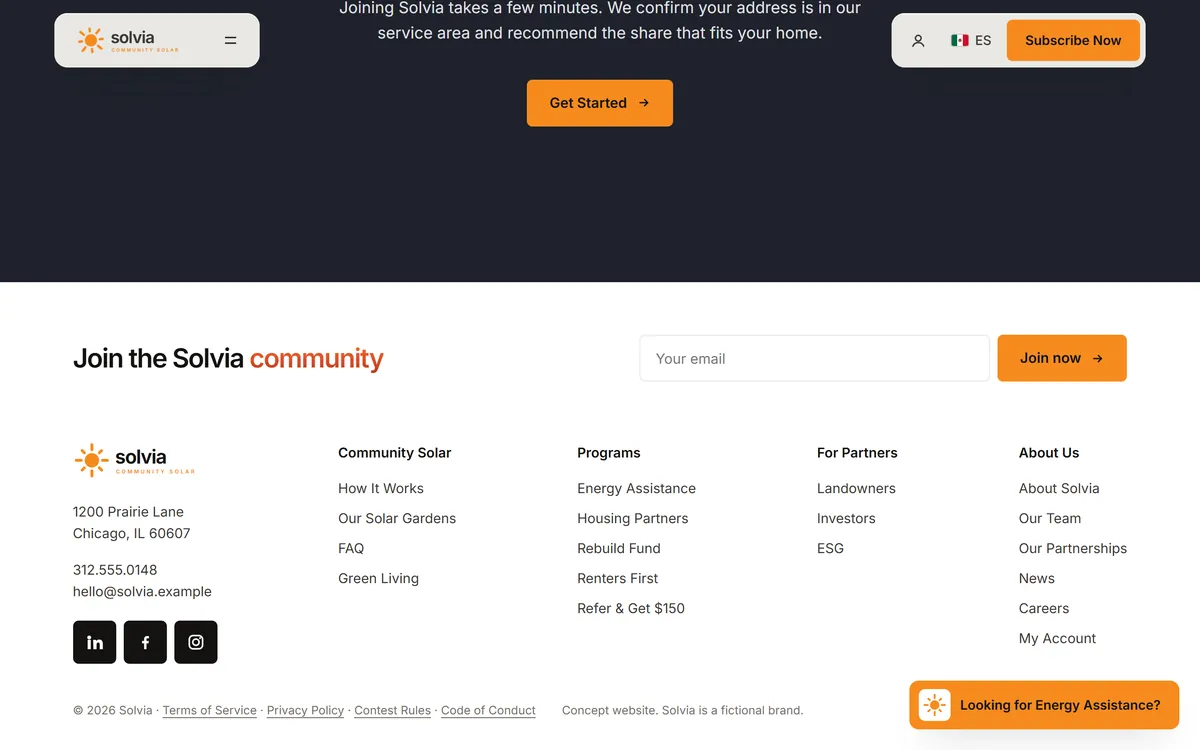
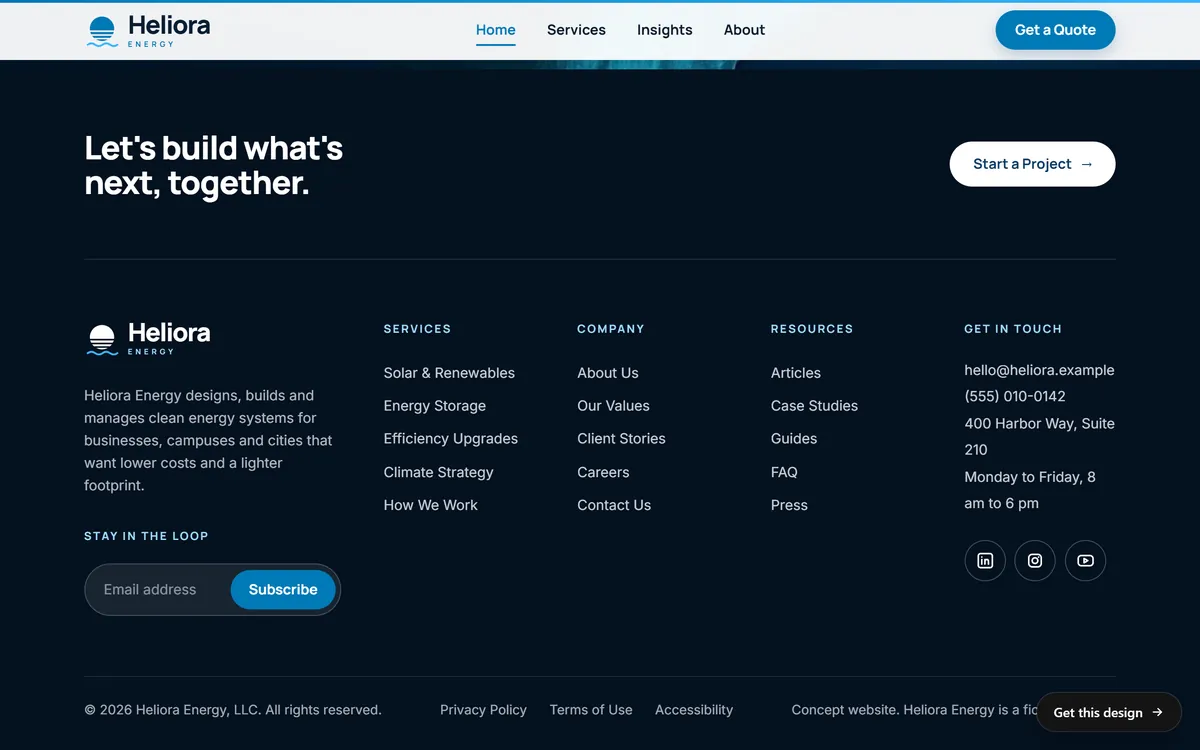
Privacy starts with the forms and tools on your pages. Every site we build includes contact forms and a mobile version, and the footer is where the links to your legal pages usually go. A privacy policy is a legal document, so it comes from you and your professional adviser. You can see how footers and forms are laid out in our designs.
Questions people ask
Does my small business website need a privacy policy?
If your site collects personal information, such as names and emails from a form, a policy is the common and sensible practice. California's law requires a prominent policy from sites that collect personally identifiable information from Californians, and Google requires one from sites that use certain Analytics features. A professional can confirm what applies to you.
What should a privacy policy include?
The categories of information you collect, why you collect them, who you share them with, how people can review or change their information, how to contact you and the date of the policy. If a state law such as California's applies to you, it must also explain consumer rights and how to use them.
Do I need a cookie banner?
It depends on your visitors and your tools. Google asks for consent from visitors in the European Economic Area before its tag sets cookies. In the United States, no consent banner rule applies to every website, and some state laws focus on opt-out rights instead. Ask a professional about your case.
What is the California Consumer Privacy Act, and does it apply to me?
It is a California law that gives residents rights over their personal information. It applies to for-profit businesses that do business in California and have gross annual revenue over $25 million, handle the information of 100,000 or more California residents or households, or earn half or more of their revenue from selling personal information.
What is Global Privacy Control?
It is a setting in a visitor's browser that signals they want to opt out of the sale or sharing of their personal information. California's act expects covered businesses to honor it as a valid opt-out request.
Do I need consent to use Google Analytics?
For visitors in the European Economic Area, Google asks you to collect consent and share the signal with Google. Everywhere, if you use the advertising features, your privacy policy must describe them. You should never send names or email addresses into Analytics.
Can I copy another website's privacy policy?
No. A policy describes the practices of the business that wrote it. Yours must describe your own forms, tools and sharing. Use a template as a starting point and have it checked.
Do I need a privacy policy for a contact form or a newsletter?
Both collect personal information, so a policy that explains what you do with it is the sensible practice. For a newsletter, your emails must also include an opt-out and your postal address.
What are my duties when I send marketing emails?
Under CAN-SPAM, commercial emails need a clear opt-out and your physical postal address, and you must honor opt-outs. Your email platform normally adds these, but you remain responsible.
When should I talk to a lawyer?
Talk to one if your site is aimed at children, if you collect health or financial information, if you sell or share personal data, if you serve visitors in Europe or if you are not sure whether a law applies to you.
Want a website that does all of this? Start your site