What web hosting is, in plain words
Hosting is where your website lives, and it decides whether your site is fast, safe and online. Here is how it works, in plain words.
Web hosting is the service that stores your website's files on a computer that is always on and always connected to the internet, so anyone can open your site at any hour. It is the part of a website you never see, and the part that decides whether your site is fast, safe and online when a customer comes looking. This lesson explains what hosting is, how a page travels from the host to a visitor's screen, what a plan includes and what to watch for.
What hosting is
A website is a set of files: text, images, fonts, code and forms. Those files have to live somewhere, and that place has to be on all day and all night. You could not keep them on your laptop, because you close it, take it home and lose your connection. So the files live on a server, a powerful computer in a building called a data center, and a hosting company rents you space and power on it.
Think of a shop again. The domain is the street address. The hosting is the land and the building. The website is everything inside. Without the building, the address leads to an empty lot.
A server is a computer built for the job
A server looks nothing like your laptop. It has no screen, it is built to run for years without stopping, and it has fast connections, backup power and cooling. A data center holds thousands of them. The hosting company keeps the machines running, the software updated and the network connected. You rent a share of the result.
How a visitor reaches your site
When someone opens your website, six things happen in a fraction of a second.
- The visitor types your domain into a browser, or taps a link on Google or in a message.
- The browser asks DNS, the phone book of the internet, where that domain lives.
- DNS answers with the number of your host's server, called its IP address.
- The browser contacts that server and asks for the page.
- The server sends back the files: text, images, styles and code.
- The browser puts the pieces together and shows the page.
If any step is slow or broken, your visitor feels it. A slow server makes pages crawl. A server that is down makes the site disappear. A missing or wrong DNS setting sends people nowhere.

What lives on your hosting
A simple site is mostly files: pages, pictures, fonts and code. A larger site adds a database, a place where the site keeps information that changes, such as products, prices, orders, blog posts, bookings and form entries. Some hosting plans also hold your email, although many businesses keep email with a separate provider, as a later lesson explains.
That is why a shop asks more of its host than a simple page. The pictures are heavier, the database works harder and more of what happens on the site has to be recorded and kept safe.
What visitors send back
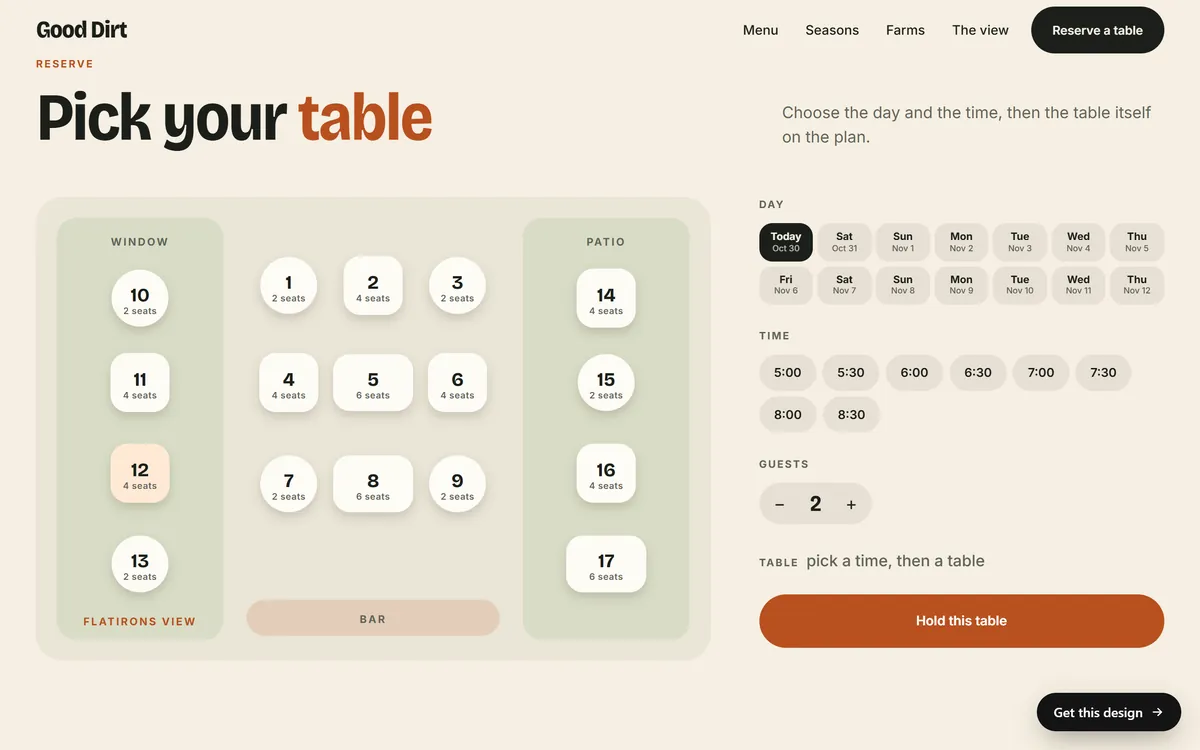
Hosting is not only about sending pages out. When a visitor fills in a form, books a table or asks for a quote, the information travels to your server, and from there to you. Your host has to receive it, store it where needed and pass it on.
What a hosting plan includes
Hosting plans look alike on the surface and differ in ways that matter. These are the parts to understand.
Storage
Storage is the disk space for your files. Most small business sites use far less than even a basic plan offers, as long as the images are prepared well. Storage becomes a topic only for sites with a lot of video, large photo libraries or many years of content.
Traffic, also called bandwidth
Traffic is the amount of data your server sends out when people visit. More visitors, bigger pages and videos all increase it. Many plans advertise unlimited traffic, which usually means a fair-use limit that applies in practice. A later lesson on choosing hosting explains how to read those promises.
Speed
Speed depends on the power of the server, how many other sites share it, the distance to your visitors and how well the site is built. A fast host helps, but heavy images and clumsy code can still slow a site down.
Uptime
Uptime is the share of time your site is online. A host that promises 99.9 percent allows up to about 8 hours and 45 minutes of downtime a year. At 99.99 percent, it is about 53 minutes. Both sound high, but the difference is real, and the promise only helps if the host explains what it does when it misses it.
Security
Good hosting includes tools to protect your site: a firewall, scanning for malware, protection against floods of fake traffic and a secure connection with https. The next lessons cover each of these.
Backups
A backup is a saved copy of your site that you can restore if something goes wrong. Some hosts make backups automatically, some charge extra and some do not offer them at all. Never assume. Ask.
Control panel
The control panel is the dashboard where you or your studio manage the account: files, databases, email accounts, backups and settings. Learn its name when you buy, because everything you do on the host happens there.
Support
When something breaks, you want a real person who answers quickly. Check how you can reach support, at what hours and how long the answers take, before you need it.
How hosting, domain and website fit together
Four pieces work together, and each can come from a different company.
- The domain is the name people type.
- The hosting is the computer that stores your files and serves them.
- The website is the pages themselves, made with a tool such as a website builder, a content management system like WordPress, or custom code.
- The DNS settings connect the domain to the hosting.
Website builders usually include hosting in their price. With software like WordPress, you buy hosting separately. With a done-for-you studio, hosting is often part of the package, and with Good Sites Only it is included.
DNS records in one minute
DNS settings are made of records, short instructions saved at your domain's DNS provider. Four types come up all the time. An A record points your domain to the server's number. A CNAME record makes one name an alias of another, like www. An MX record tells the world where your email goes. A TXT record holds notes and proofs, such as the code that verifies you own the domain. If you change a record, it can take from a few minutes to a day or two to spread across the internet. That is called propagation.
Why hosting matters for your business
- Customers. A slow site loses visitors, and a site that is down loses them completely.
- Google. Speed and availability are part of how search engines judge your site, and a site that is often down is harder to rank.
- Security. A weak host or weak settings are a way in for attackers, and a hacked site hurts your name.
- Peace of mind. With backups and support, a problem is a bad hour, not a disaster.
- Email. If your email lives on the same account, hosting trouble can silence your inbox too.
Where your server is, and why it matters
A server sits in a real place, and distance adds a little time to every visit. If your customers are in the United States, a server in a United States data center is a sensible choice. Some hosting plans let you pick the location, and a CDN can place copies of your files closer to visitors in other regions. For a local business with local customers, this is a small detail. For a business that sells across the country, it is worth a quick question to your host.
How hosting is billed
Hosting is a service you pay for again and again, monthly or yearly. Many companies offer their lowest price only if you pay for several years in advance, and then raise it at renewal. When you compare plans, look at what you will pay after the first term, what happens if you cancel early and whether backups, email or extra security cost more. The lesson on choosing hosting gives you a checklist.
What happens when you stop paying
If you stop paying your host, the site goes offline, and after a period that varies by company the files can be deleted. The domain stays yours, but it points nowhere. So always keep your own copy of your site, your texts and your photos, and know who holds the login to the hosting account. If you decide to move, you copy the files to the new host, change the DNS settings and wait for the change to spread, which can take up to a day or two.
Hosting words in plain words
- Server: the computer that stores your site and sends it to visitors.
- Data center: the building where servers live, with power, cooling and fast connections.
- Bandwidth: how much data your site can send to visitors.
- Uptime: the share of time your site is online.
- Control panel: the dashboard where you manage your hosting account.
- CDN: a network of servers around the world that keep copies of your files close to visitors, so pages load faster.
- Cache: a saved copy of a page that loads faster than building it from scratch.
- SFTP: a secure way to upload files to a server.
- SSL certificate: the file that makes your site use https. A later lesson covers it.
- Backup: a copy you can restore. A later lesson covers it.
Your hosting and your website
You do not have to manage a server to have a website. With Good Sites Only, hosting is included with every site, together with a design for your industry, texts written for you, a mobile version, SEO setup and contact forms. Each site is online in 7 days. You can see what we build in our designs.
Questions people ask
What is web hosting and how does it work?
Web hosting is a service that stores your website's files on a server that is always connected to the internet. When someone types your address, their browser finds your server and the server sends back the page.
Do I need web hosting to have a website?
Yes. Every website has to be stored on a server. Some website builders and studios include hosting in their price, so you may not buy it separately, but it is always there.
What is the difference between a domain and hosting?
The domain is the address, like yourbusiness.com. Hosting is where your site's files live. You need both, and you can buy them from different companies.
Can I host my website for free?
Free hosting exists, but it usually comes with limits, ads, slow speeds or a web address that carries someone else's name. For a business, the risk is losing your site or your customers' trust.
Is hosting included in a website builder?
Usually yes. A website builder stores your site for you as part of its monthly price. You then depend on that builder, so check whether you can take your content and your domain with you.
How much does web hosting cost?
Prices vary a lot by type and by company. Entry plans for small sites often start at a few dollars a month on long contracts, and the price can rise at renewal. A later lesson gives ranges for each type.
What is uptime?
Uptime is the percentage of time your site is online. A promise of 99.9 percent allows about 8 hours and 45 minutes offline per year, and 99.99 percent allows about 53 minutes.
What is a server?
A server is a computer built to run all the time and send files to other computers over the internet. Your website's files sit on a server in a data center.
What happens if I stop paying for hosting?
Your site goes offline, and after a period that varies the files may be deleted. Keep your own copy of your site, and make sure you hold the login to the hosting account.
Can I host my website on my own computer?
Technically yes, but it is a poor idea for a business. Your computer would have to stay on and connected all day, you would take on every security risk, and your home connection is not built for visitors.
Want a website that does all of this? Start your site