How to choose hosting for a small business
The best hosting is not the cheapest, or the one with the biggest promises. Here is a checklist, the 2026 price ranges and the questions to ask first.
The best hosting for a small business is the one that keeps your site fast and online, protects it, backs it up and answers when you call. It is not the cheapest plan, and it is not the one with the biggest promises. This lesson gives you a checklist to choose hosting, the questions to ask before you pay, the red flags to avoid and what hosting costs in 2026.
Start with what your site needs
Before you compare plans, write down what your site will do. Hosting that is perfect for one site is wasteful or too weak for another. Most small business sites fall into one of three groups.
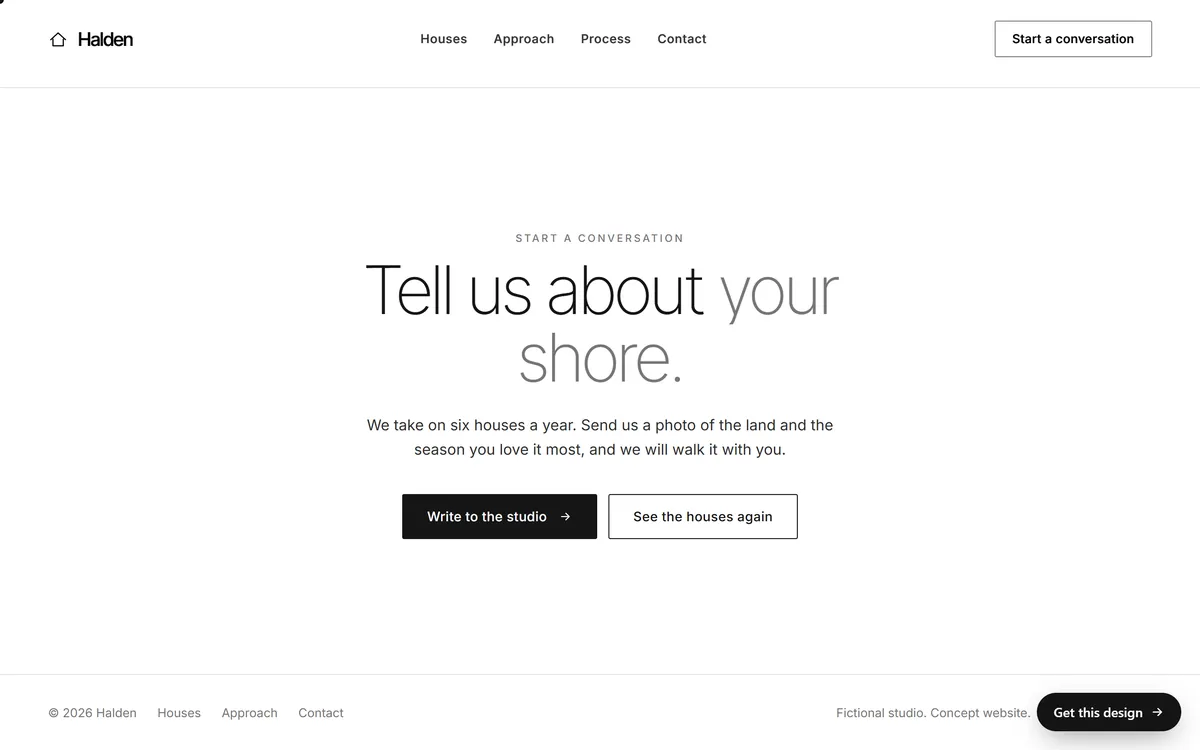
A simple site with a contact form
A handful of pages, some photos and a form that sends you messages. This is the most common case, and it asks little of a host: reliability, a secure connection, regular backups and email that reaches you. Almost any decent plan can run it.
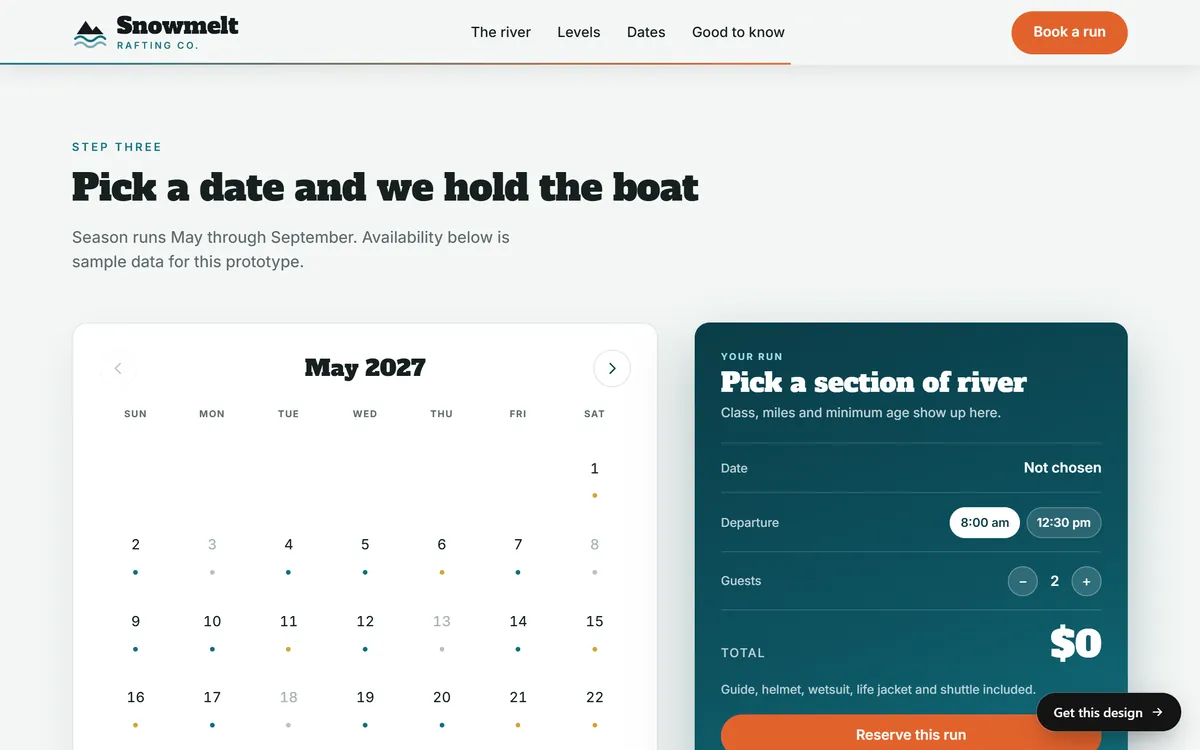
A site with bookings or a calendar
If visitors pick dates, request reservations or fill in longer forms, the site has more moving parts. Your host has to handle the forms reliably, keep the data safe and stay fast when several people use the page at once.
An online store
A shop needs the most. Pages must load fast on busy days, customer data must be protected and the site must stay online during a sale. Card payments should be handled by a payment provider, not stored on your own server. Look for strong security, frequent backups and room to grow.

The ten things to check before you buy
1. Speed
Look for modern servers, solid-state storage, built-in caching and the option of a content delivery network. Speed is also affected by your site's design, so a fast host is a base, not a guarantee.
2. Uptime and reliability
Find the uptime promise, and read what the host does when it misses it. A promise with no remedy is only a slogan. Independent reviews that mention outages tell you more than the company's own page.
3. Security
Ask what is included: a firewall, scanning for malware, protection against floods of fake traffic, a free SSL certificate and separation from other customers on the same server. Security should be part of the plan, not a paid extra you only discover later.
4. Backups
Ask how often backups are made, where they are stored, how long they are kept and how you restore one. Backups kept on the same server as the site do not help if that server fails. The lesson on backups and security goes deeper.
5. Support
Find out when support is available, by chat, phone or ticket, and whether you reach a person. Before you buy, ask a pre-sales question and see how fast and how clearly they answer. That is how they will answer you when something breaks.
6. Ease of use
A clear control panel, simple installs and a way to test changes on a copy of your site before they go live all save time. If you will not manage the site yourself, this matters less, and the person who does will care.
7. Server location
For customers in the United States, a United States data center is a sensible choice. A content delivery network can help for visitors far away.
8. Room to grow
You should be able to upgrade without moving your site. Ask what the next plan up looks like and how an upgrade works, so a good month for your business does not become a technical problem.
9. Price and contract
Compare the renewal price, not only the offer. Check the length of the term, the refund policy and the extras that cost more, such as backups, migrations, email and extra security.
10. Ownership and exit
Make sure the hosting account is in your name or that you hold a login. Ask whether you can download a full copy of your site and move it elsewhere. If the answer is vague, treat it as a warning.
What hosting costs in 2026
Hosting prices vary widely, they change often and promotional prices are not what you pay later. These ranges give you a rough picture, based on published price lists in 2026.
- Shared hosting: entry plans run from about $2 to $15 a month. The lowest prices are usually tied to terms of three or four years.
- VPS hosting: roughly $10 to $100 a month, depending on the power of the server and on whether someone manages it for you.
- Managed WordPress hosting: the widest spread. Plans labeled WordPress can cost under $10 a month, but many of those are shared hosting with the software pre-installed. True managed plans for a single small site often start around $30 a month, and busy sites can cost several hundred.
The renewal price is often much higher than the first-term price, sometimes two or three times higher. A plan that says $3 a month for four years can renew at $12 or more a month.
The hosting bill is also not the whole bill. Add the domain, any email service, backups or security that are not included, and the time you or someone else will spend on updates and fixes. A cheap plan that needs your weekends is not cheap.
Red flags to avoid
- "Unlimited" everything. Real servers have limits, and unlimited plans usually come with fair-use rules that you find out about when your site slows down.
- A giant discount with a long contract. A very low price paid for three or four years upfront is a lock-in, not a bargain.
- Ticket-only support with slow answers. A site that is down needs help in minutes, not days.
- No backups, or backups at extra cost without a clear way to restore.
- A hidden jump at renewal. If the renewal price is hard to find, it is probably high.
- No way to get your files out. You should be able to take a full copy of your site with you.
- Someone else holds the only login. A designer, a developer or a relative should not be the only person who can reach your hosting account.
- Free hosting for a business. Free plans often come with ads, slow speeds or a web address that carries someone else's name.
Questions to ask before you pay
- Where are my backups stored, how often are they made and how long are they kept?
- How quickly can you restore my site if something goes wrong?
- What happens if my site is hacked, and is a malware scan included?
- What is the renewal price after the first term?
- Can I talk to a person at night and on weekends?
- Can I upgrade without moving my site?
- Can I download a complete copy of my site at any time?
- Whose name is on the hosting account, and who holds the login?
- Is there a money-back period, and how long does it last?
- Which services cost extra: email, backups, security, migration?
How to test a host before you commit
You can learn a lot about a host in an afternoon, before any money leaves your account.
- Ask a real question. Write to support with something specific, like how a restore works, and time the answer. Note whether it is clear or a copy and paste.
- Read the complaints, not the stars. Look at independent reviews and see whether the same problems repeat: outages, slow support, surprise charges.
- Check the refund window. A money-back period lets you test the real speed and the real support, with a way out.
- Choose a shorter term first. If you can pay monthly or yearly, do it. You can lock in a long term later, once you trust the host.
- Test your own site. After the move or the launch, check the speed on a phone and a computer, at different hours.
Domain and hosting can come from different companies
You can buy both from one company, and the convenience is real. The risk is that if one goes wrong, both do. Many owners keep the domain at a registrar in their own name and put hosting elsewhere. Either way, make sure you can move each one separately, and keep control of the domain account.
What to keep ready in case you switch
Nobody plans to change hosts, and then it happens: a better offer, a bad month, a company that is sold. A few things make the move easy, and they are worth gathering now.
- The login for the hosting account and its control panel.
- The login for the domain account, and the transfer rules.
- A recent full backup of the files and the database, stored outside the host.
- A copy of your DNS records, so nothing is lost when settings change.
- A list of your email accounts and where each one lives.
- The renewal date of each service.
Do it yourself or have it taken care of
Choosing hosting is only the start. Someone also has to set it up, point the domain to it, install the secure connection, keep the software updated, make and test backups, and fix problems at an inconvenient hour. If you enjoy that work and have the time, hosting your own site is fine. If your time is better spent on customers, a done-for-you site takes this work off your plate.
Hosting and your website
When Good Sites Only builds your site, hosting is included, so there is no plan to compare and no server to manage. The same package includes a design for your industry, texts written for you, a mobile version, SEO setup and contact forms, and the site is online in 7 days. When you are ready, you can start your site.
Questions people ask
What should I look for in a web host?
Look for reliability, speed, security tools, automatic backups you can restore, quick human support, a clear renewal price and the freedom to take your site with you.
Which type of hosting is best for a small business website?
For a simple site, a good shared plan or a managed plan is usually enough. Stores and sites with heavy features may need managed or cloud hosting. The next lesson compares the types.
How much should a small business pay for hosting?
Entry shared plans run from about $2 to $15 a month, VPS plans from about $10 to $100 and managed WordPress plans from roughly $30 up. Prices vary, so compare the renewal price and what is included.
Is cheap hosting good enough?
Sometimes, for a small and simple site, if backups, support and security are in place. Very cheap plans often cut those, tie you to long contracts or rise sharply at renewal, so read the details.
Is unlimited hosting really unlimited?
Not in practice. Real servers have limits, and unlimited plans normally come with fair-use rules that cap what you can use. Ask what happens if your site grows.
Does the location of the server matter?
A little. A data center close to your visitors makes pages load slightly faster. For customers in the United States, choose United States locations, and ask about a content delivery network if visitors come from far away.
Can I switch hosting later?
Yes. You copy the files and the database to the new host, update the domain's DNS settings and wait for the change to spread, which can take up to a day or two. It is easier when you hold the logins and a full backup.
Is free hosting a good idea for a business?
Rarely. Free hosting tends to come with ads, limited speed, little support and a web address that is not your own. A business site needs more reliability than that.
Do I need to buy hosting from the company that built my site?
Not always, but many studios include hosting in their package. Whatever the arrangement, ask who owns the account, what happens if you leave and whether you can take a full copy of your site.
How do I know if my hosting is slow?
Open your site on a phone and on a computer, at different times of day, and notice how long the first screen takes to appear. A free speed test will give you numbers, and a pattern of slow pages or random outages is a sign to talk to your host.
Want a website that does all of this? Start your site