Shared, VPS or managed: hosting types compared
Shared, VPS, dedicated, cloud and managed are five names for a few simple ideas. Here is what each one is and which one fits your business.
Hosting comes in several types, and the names are confusing: shared, VPS, dedicated, cloud, managed. The easiest way to remember them is to think of housing. Shared hosting is an apartment, a VPS is a townhouse with your own walls, a dedicated server is a house on its own lot, and managed means someone else takes care of the repairs. This lesson compares each type in plain words and shows which one fits which kind of business.
The main types of hosting in plain words
Shared hosting: the apartment
On shared hosting, many websites live on one server and share its power, memory and storage, like tenants in the same building. It is the most common and the least expensive type. Entry plans run from about $2 to $15 a month, although the lowest prices usually require a long contract.
- Best for: small, simple sites with modest traffic.
- Who looks after it: the host looks after the server, and you or your studio looks after the site.
- Main limit: shared resources. A busy neighbor can slow you down, and you cannot change much about the server.
VPS hosting: the townhouse
VPS stands for virtual private server. One physical machine is divided into several virtual ones, and each gets a reserved share of power and its own settings. You have more control and steadier performance than on shared hosting. Plans cost roughly $10 to $100 a month, depending on the power and on whether someone manages the server for you.
- Best for: growing sites, custom tools and anyone who needs special software.
- Who looks after it: on an unmanaged VPS, you do. That means updates, security and backups, and one mistake can take the site down.
- Main limit: it asks for technical skill, or a managed plan that costs more.
Dedicated server: the house on its own lot
A dedicated server is a whole physical machine rented to one customer. You get the most power and the most control, and you pay the most. It makes sense for large sites with heavy traffic or strict needs, and it is rarely the right answer for a small business.
- Best for: large sites, heavy applications and special requirements.
- Who looks after it: you, unless you buy a managed plan.
- Main limit: cost and complexity far beyond what most small businesses need.
Cloud hosting: the flexible rental
Cloud hosting runs your site on a network of connected servers instead of one. Resources can grow when traffic spikes and shrink when it falls, and if one machine fails another takes over. You often pay for what you use, which is efficient and also makes the bill harder to predict.
- Best for: sites with traffic that goes up and down, and growing stores.
- Who looks after it: depends on the plan. Some are simple, and others expect an engineer.
- Main limit: complexity, and a cost that moves with your traffic.
Managed hosting: the property manager
Managed hosting is not a different kind of server. It is a service level on top of one. The host handles the technical care for you: updates, security, backups and speed tuning. It costs more than the same plan unmanaged, and it saves you time and risk.
- Best for: owners who want the site to work without learning server work.
- Who looks after it: mostly the host.
- Main limit: a higher price, and sometimes rules about which plugins or tools you can use.
Managed means two different things
The word managed appears in two common places, and mixing them up is easy.
- Managed WordPress hosting. The host tunes its servers for WordPress and takes care of updates, caching, security and backups for that software. Prices vary a lot. Plans with the WordPress label can cost under $10 a month, but many of them are shared hosting with WordPress pre-installed. True managed plans for a single small site often start around $30 a month, and busy sites can cost several hundred.
- Managed VPS or cloud. The host runs the server for you: its operating system, its updates and its monitoring, so you do not have to be a systems administrator.
Because the word is used loosely, always ask what exactly the host looks after, and what stays with you.
A quick comparison
- Cheapest to start: shared.
- Most control: VPS or dedicated.
- Least work for you: managed.
- Handles sudden traffic best: cloud.
- Most power for one site: dedicated.
- Best fit for most small business sites: a good shared plan, or a managed plan if you want updates and backups handled for you.
How to read the numbers on a plan
Plans list specifications that look technical. You do not need to master them, but a few are worth knowing.
- CPU and memory (RAM). The power your site can use at one time. More is better when many visitors arrive together.
- Storage. The disk space for files and the database. Solid-state storage is faster than the older kind.
- Bandwidth or data transfer. How much data you can send to visitors in a month.
- Number of sites. Some plans allow one site, and others allow many. If you only have one, you do not need to pay for many.
- Limits on processes. Shared plans often cap how many things can run at the same moment. If your site hits the cap, visitors see errors.
When two plans look the same, compare these limits and the support, not the headline price.
What each type means for security and backups
Security does not depend on the type alone, but the type changes who is responsible. On shared and managed plans, the host handles much of the server's protection, and you look after your site and your passwords. On an unmanaged VPS or a dedicated server, the server itself is your job: its updates, its firewall and its backups. Many small businesses are safer on a managed plan, simply because an expert looks after the server every day. The lesson on backups and security covers what you must always do yourself.
Which type fits which business
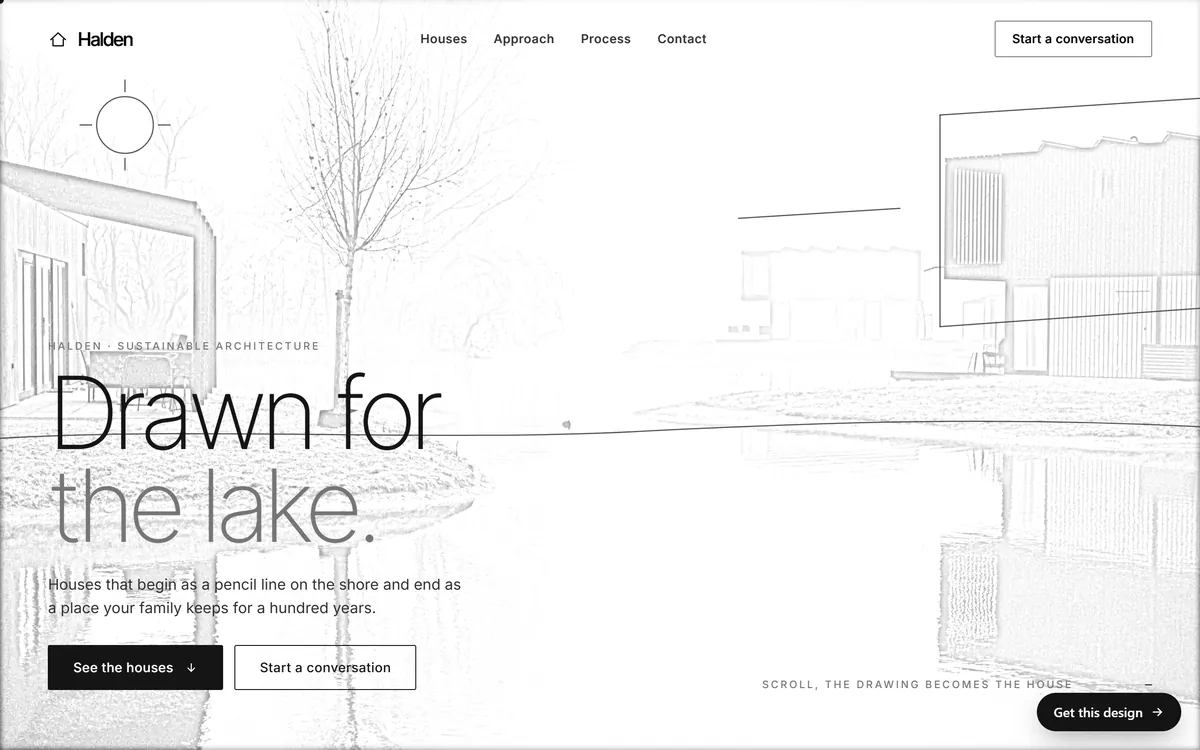
A service business with a brochure site
A dentist, a plumber, a restaurant or a studio with a few pages, photos and a contact form. A good shared plan or a managed plan is usually enough. Spend your effort on a clear site, not on a bigger server.
A site with calculators, tools or heavy features
Some sites do more than show pages. They calculate savings, size a project or build a report.
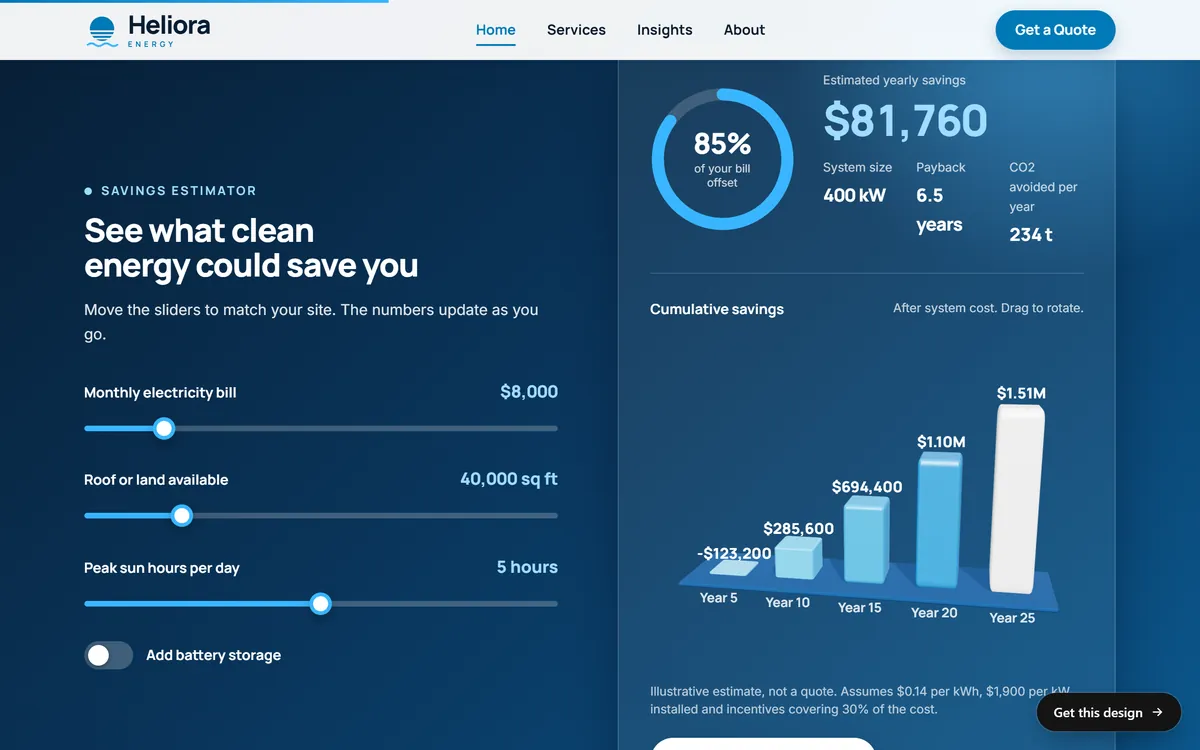
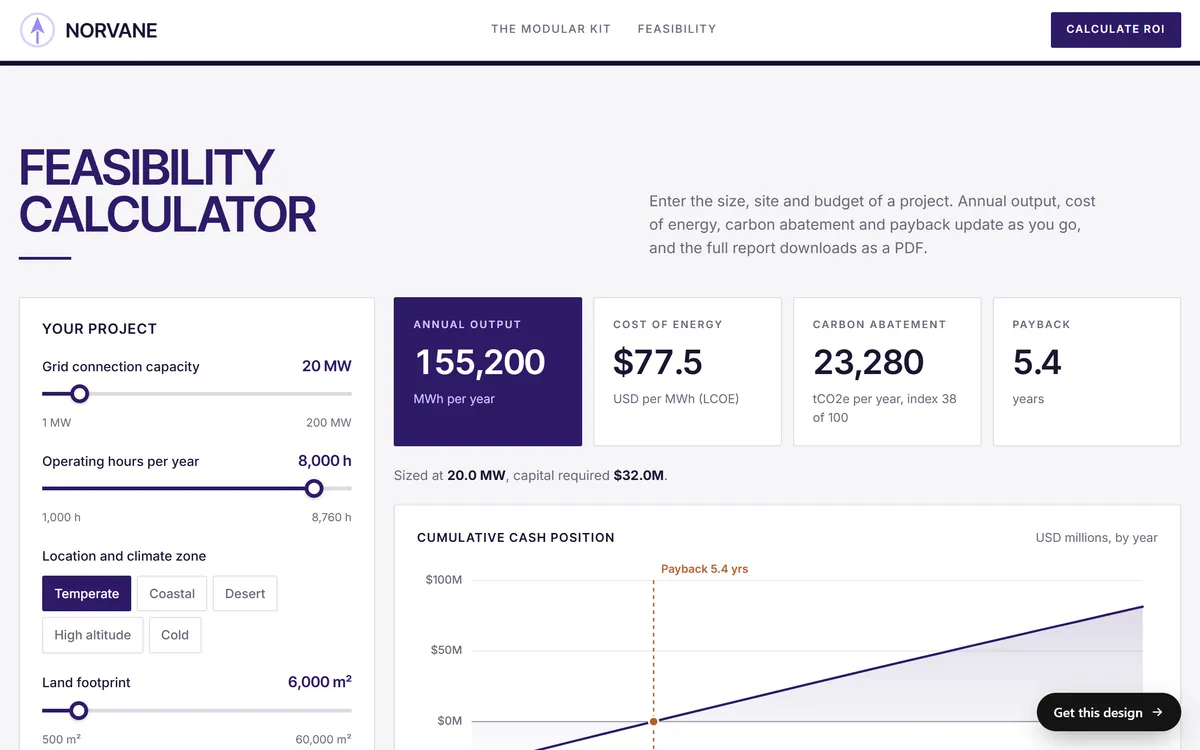
A calculator that runs inside the visitor's browser asks little of the server. A tool that saves data, builds reports or talks to other services on the server asks much more. When a site has features like these, ask your builder where they run, and choose a plan that can carry them: a strong managed plan or a VPS.
An online store
Stores need speed, security and uptime during busy periods. Managed or cloud hosting is the common choice, often built for the store software you use. Card data should be handled by a payment provider.
A custom application
If your site is really a software product, with user accounts, special software or integrations, you will likely need a VPS or cloud setup, plus someone who can look after it.
A big audience or sharp spikes
If you expect very large traffic, or traffic that jumps when you run a promotion or appear in the news, cloud hosting with a content delivery network handles the spikes best.
Signs you have outgrown your plan
- Pages load slowly at busy times of the day.
- Visitors see errors such as "503 Service Unavailable" or a message about a resource limit.
- Your host emails you to say you are using too much.
- Traffic has grown a lot, or you have added a store, a booking system or other heavy features.
- Your host's usage graphs show you often reach the limit.
When this happens, ask for the next plan up, and make the change before a big campaign, not during one.
How to move up without trouble
Moving from one type to another is common, and it goes smoothly when you prepare.
- Make a full backup of your files and your database, and keep a copy outside the host.
- Copy your DNS records, so you can restore them if anything goes wrong.
- Ask the new host, or your studio, to set up the site there before you change anything.
- Test the copy using the temporary address the host gives you.
- Change the DNS settings during a quiet hour, and expect up to a day or two for the change to spread.
- Keep the old plan until the new one has worked for a few days.
Other kinds of hosting you may hear about
- Reseller hosting. A studio or agency rents a large account and hosts its clients' sites inside it. It can be convenient for the client, as long as you know whose account holds your site and how you could leave.
- Website builder hosting. The builder keeps your site on its own servers. It is included in the monthly price and ties you to the builder.
- Static hosting. For sites made of plain files, with no database. It can be very fast and inexpensive, and it does not suit sites that need logins or stored data.
- Free hosting. Usually limited, often with ads or someone else's name in your address. Not suited to a business.
How to decide in five steps
- List what your site does: pages, forms, bookings, a store, tools.
- Estimate your visitors: a rough guess per month is enough, and your analytics can confirm it later.
- Decide who looks after it: you, a studio, or the host.
- Pick the simplest type that covers the list: do not buy power you will not use.
- Check the upgrade path and the exit: confirm you can move up and take your site with you.
Hosting types and your website
If a studio builds and hosts your site, you do not pick a hosting type, and you do not manage a server. With Good Sites Only, hosting is included with every site, together with a design for your industry, texts written for you, a mobile version, SEO setup and contact forms. You can see what that looks like in our designs.
Questions people ask
What is the difference between shared and VPS hosting?
On shared hosting, many sites share the same server resources. A VPS splits a server into virtual machines, and each one gets a reserved share. A VPS is steadier and gives you more control, and it costs more and asks for more skill.
Is VPS hosting better than shared hosting?
It is more powerful and more flexible, but not better for everyone. A small, simple site runs well on shared hosting, and paying for a VPS you do not need only adds cost and work.
What is managed hosting?
Managed hosting is a service level where the host takes care of technical work such as updates, security, backups and tuning. You pay more, and you spend less time and take less risk.
What is managed WordPress hosting?
It is hosting tuned for WordPress, where the host handles updates, caching, security and backups for that software. Check what a plan really includes, because some plans with the WordPress label are shared hosting with the software installed.
Do I need a dedicated server?
Almost certainly not. Dedicated servers suit large sites with heavy traffic or special needs. A small business gets far better value from shared, managed or cloud hosting.
What is cloud hosting?
Cloud hosting runs your site on a network of connected servers. Resources can grow when traffic rises, and another server takes over if one fails. You often pay for what you use.
Which type of hosting is the cheapest?
Shared hosting, with entry plans from about $2 to $15 a month. The lowest prices usually need a long contract and rise at renewal, so compare the renewal price.
Which type of hosting is the fastest?
Dedicated and well-built cloud or managed setups can be the fastest, but speed also depends on how the site is built. A well-made site on a good shared plan can beat a heavy site on a powerful server.
Is shared hosting safe?
It can be, when the host separates accounts, keeps software updated and scans for malware. Safety also depends on your own habits: updates, strong passwords and backups.
When should I upgrade from shared hosting?
When pages are slow at busy times, when you see resource errors, when your host asks you to upgrade or when you add a store or heavy features. Upgrade before a big campaign, not during it.
Want a website that does all of this? Start your site